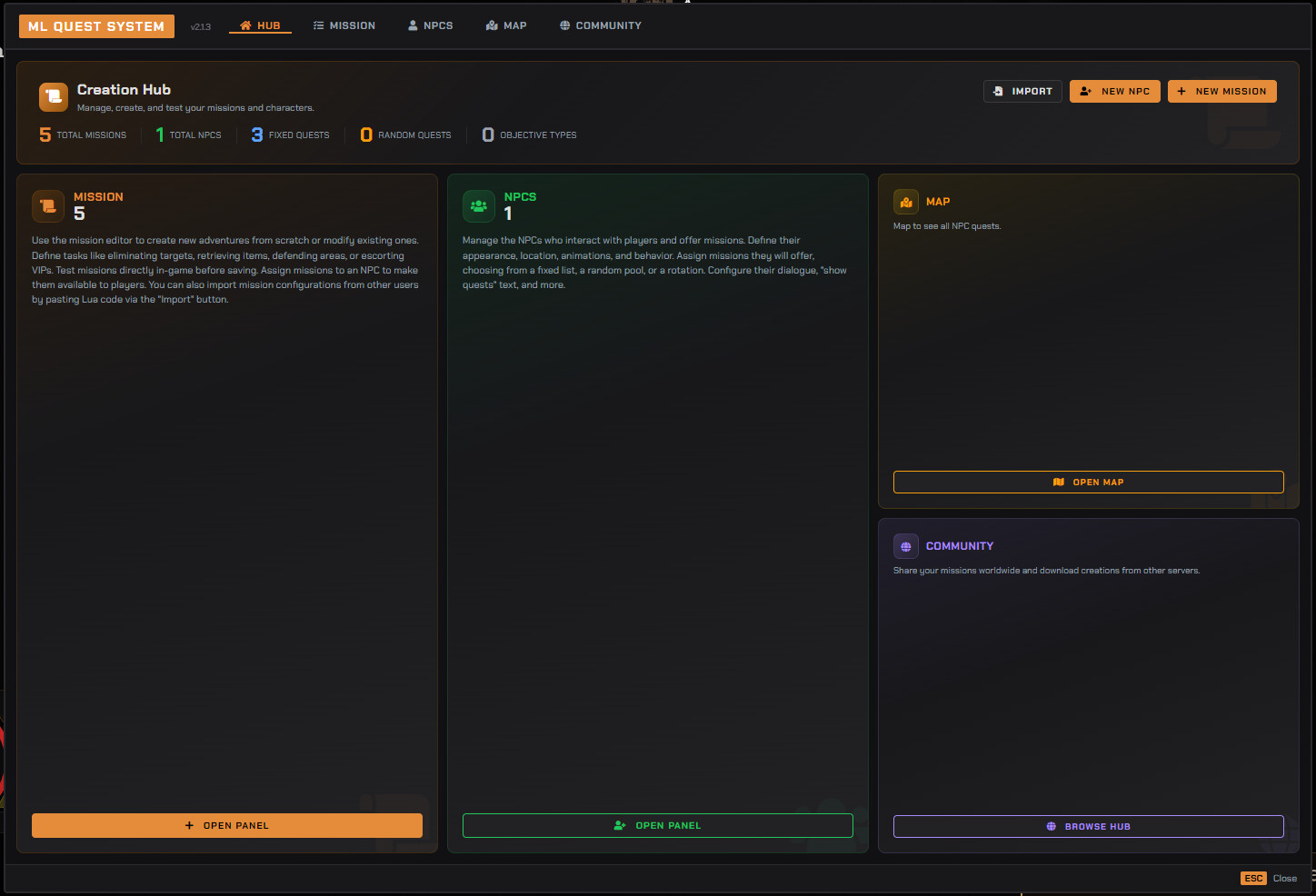
Unleash your server’s potential with the Quests System, a complete framework for creating dynamic and immersive missions. This script offers a full in-game creation suite, allowing you to design, test, and deploy complex storylines without ever touching a config file.
Core Systems
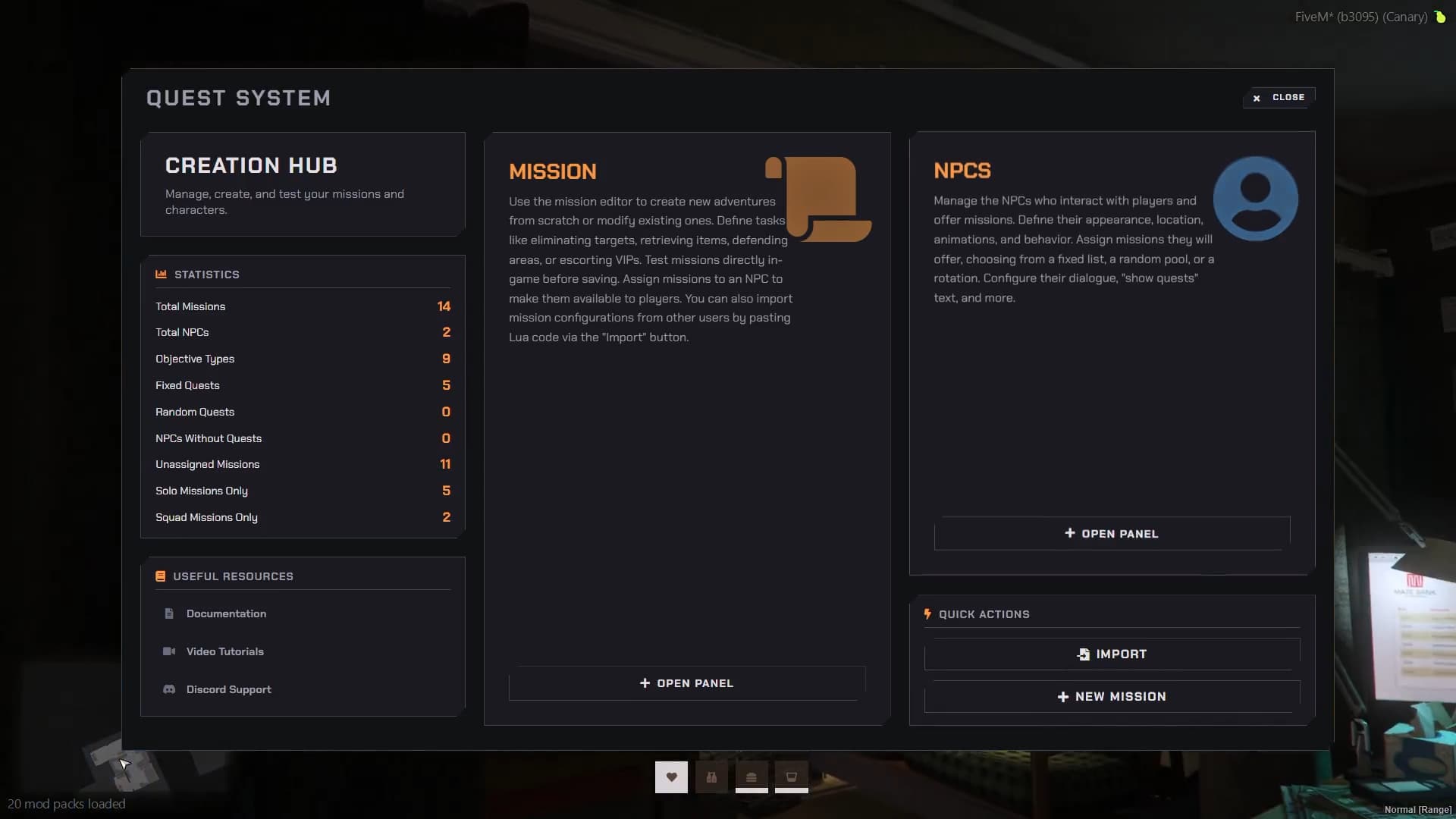
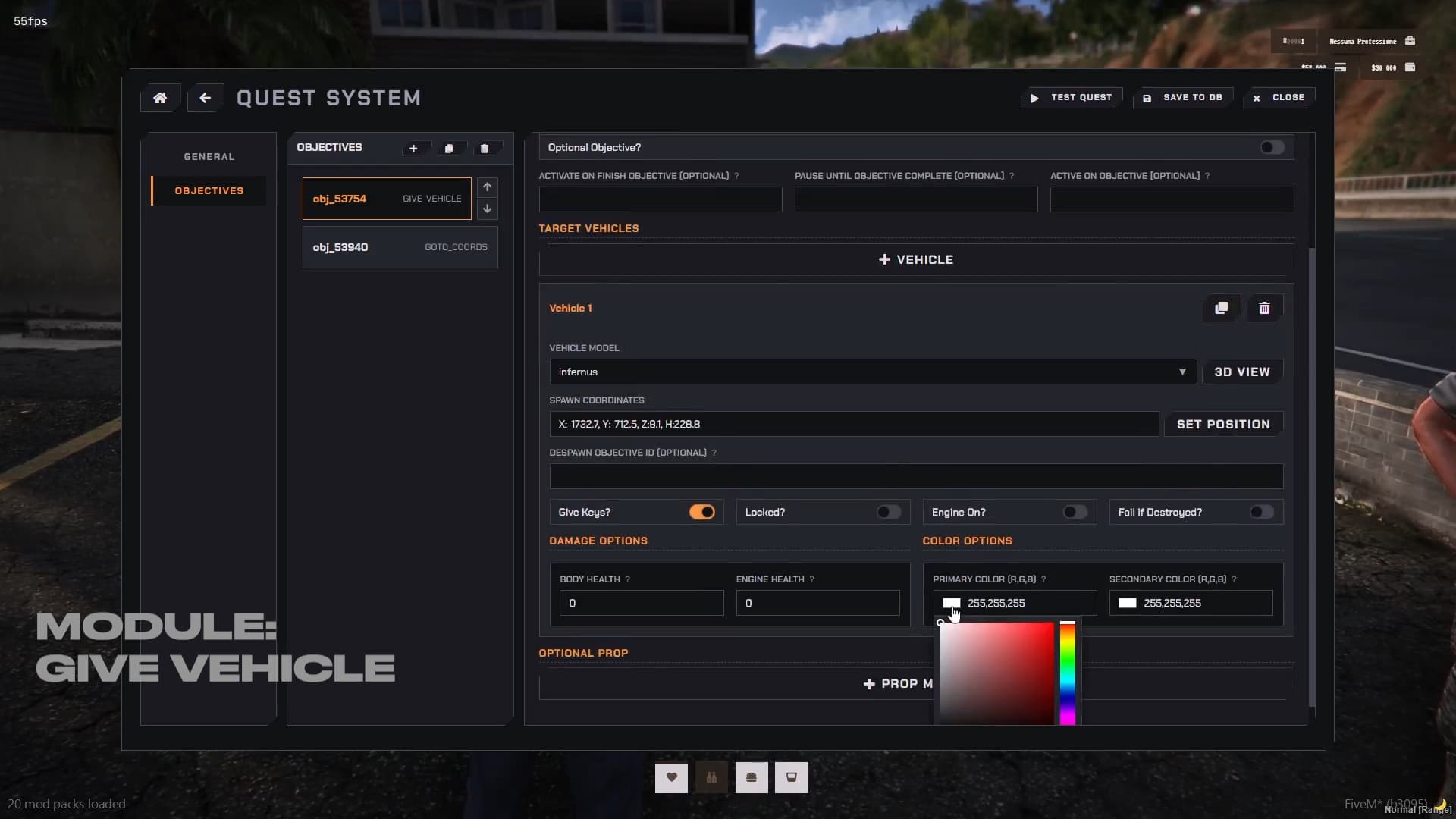
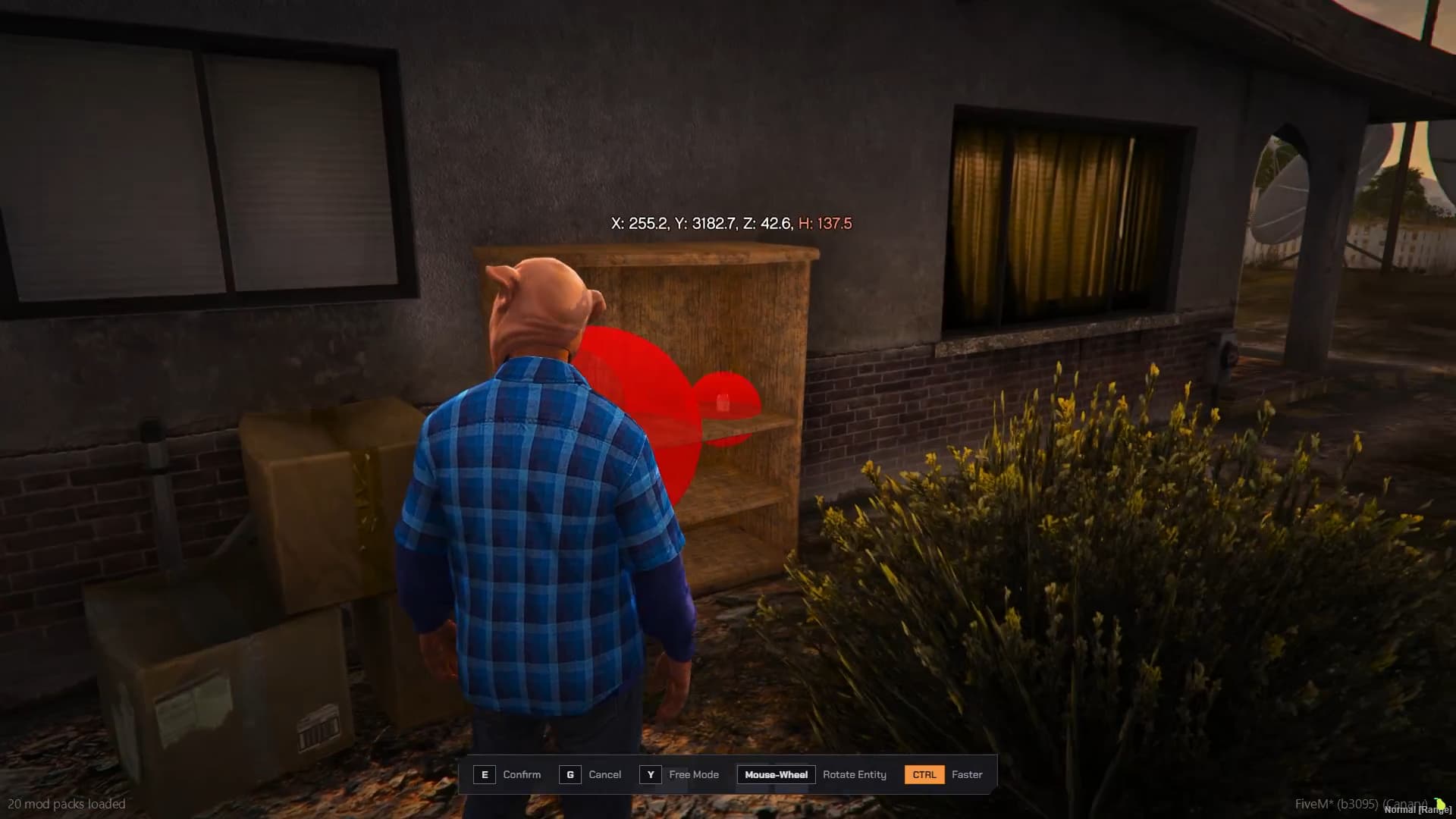

Powerful In-Game Editor: Create, edit, and test entire missions, NPCs, and dialogues live in-game using a robust, React-based UI. Eliminate restarts and save/load all content directly from the database.
Mission Requirements: Use Job Requirements to set which jobs are needed to start a quest (supports multiple jobs).
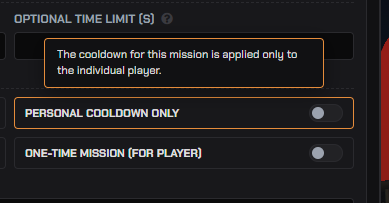
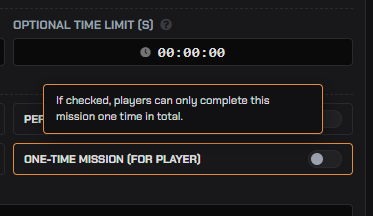
Unique Missions: Set an option for a Unique Mission that can be completed only one time per player (ideal for initial quests).
Per-NPC Reputation (XP) System: Drive player progression with a reputation system unique to each NPC. Require a minimum XP level to unlock high-tier missions and apply penalties for failure.
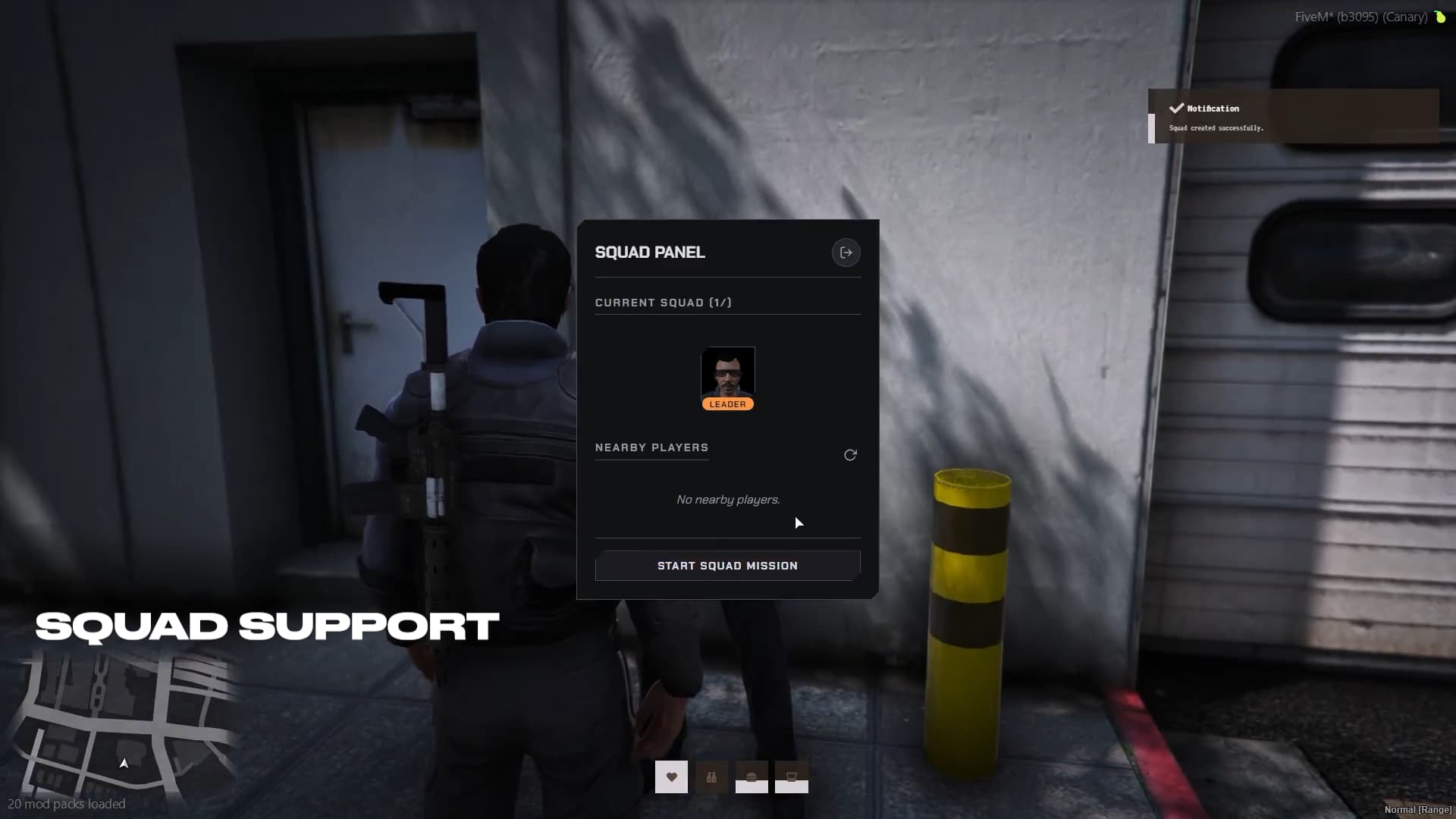
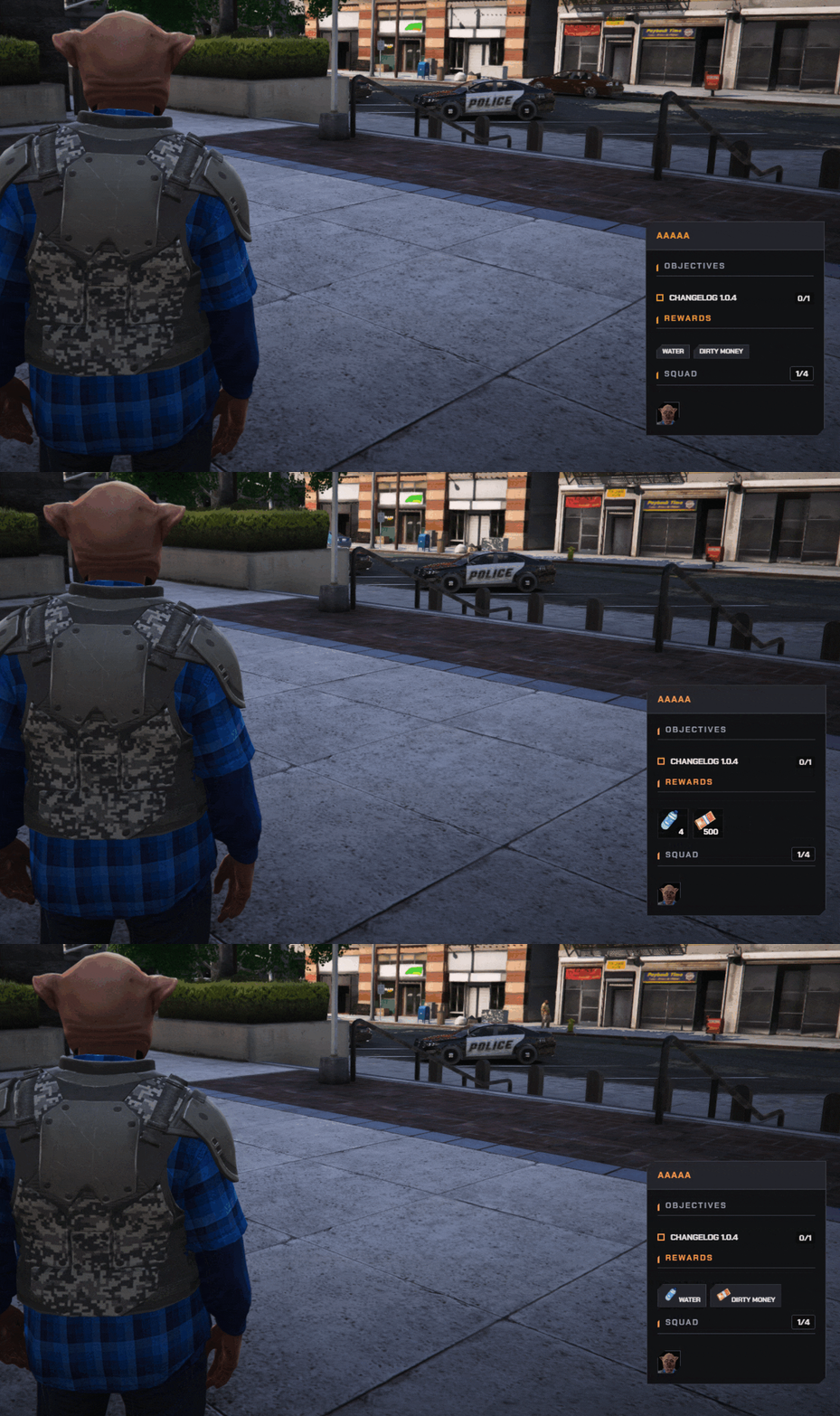
Squad System & Bonuses: Allow players to tackle missions in teams. Easily configure minimum/maximum members and set custom rewards that dynamically scale with the squad size.
Community Sharing: Copy any mission’s full configuration to your clipboard with one click (Import/Export). Share your creations effortlessly on Discord.
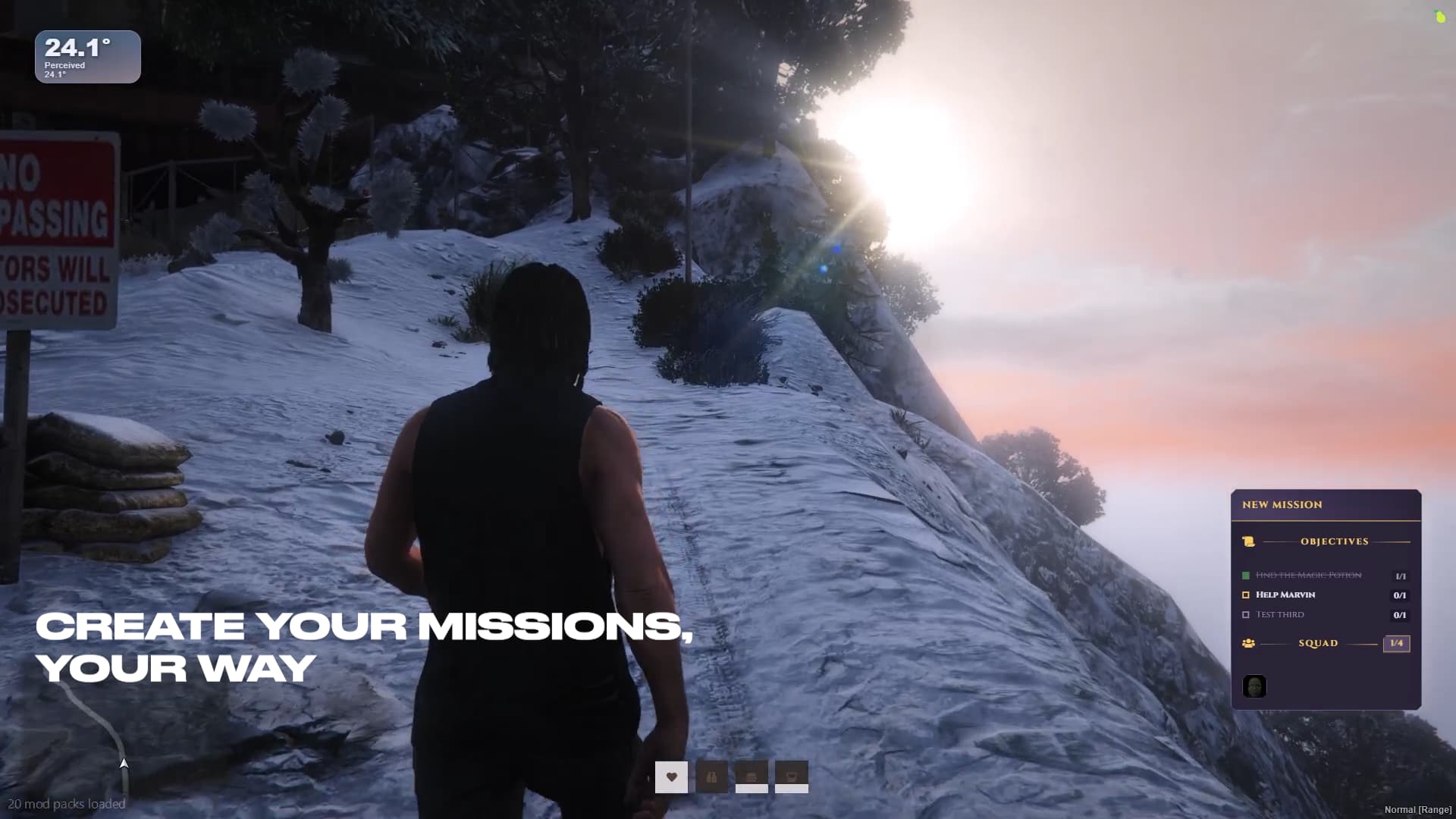
Advanced Objective Logic: Design complex dependencies. Pause one objective (e.g., ‘Defend’) until another (e.g., ‘Interact’) is completed, allowing for truly branching mission flows.
Objective Modules
Go to Coords: Create multi-zone paths. Set them as sequential (step 1, then 2) or non-sequential. Set a timer for players to remain in the area.
Kill Peds: Create dynamic combat encounters. Define enemy groups with custom models, weapons, health, and advanced AI behaviors (Patrol, Static, Combat).
Defend Area: Design ‘Horde’ mode missions. Set a defense timer, an area, and an optional VIP NPC to protect. Configure multiple enemy waves with different spawn points and timing.
Escort: Escort an NPC to a destination. The VIP is smart: he can follow, hold position, and enter any vehicle with a free seat.

Deliver Vehicle: Create flexible theft missions. Spawn multiple targets (e.g., 3 cars) but only require a subset for completion (e.g., 2 delivered). Each vehicle has its own distinct blip type and color based on the vehicle category, preventing confusion during multiple simultaneous deliveries.
Give Vehicle: Provide mission-specific vehicles. Decide whether to delete them during a specific objective or at the end of the mission.
Interact:
Requires players to interact, custom animations, and props (e.g., ‘Hack Terminal’).
Supports simultaneous interactions (e.g., two players turn two keys with timer limit, GTAO mission style).
Check Item: Ability to check for an item before starting the interaction.
Failure Removal: Option to remove the item upon minigame failure.
Success Removal: Option to remove the item upon completion of the progress bar.

Doorlock Integration:Doorlock Search via raycast, simplifying the setup process for close/open functionality (requires ox_doorlock).
Gather Reward: Similar to ‘Interact,’ but focused on looting. Create multiple interaction points (e.g., ‘Search Crate’) and assign immediate rewards (money/items) for each successful interaction.
Retrieve Item: Verifies the item is still in the player’s inventory at the final mission turn-in, ensuring mission integrity, useful for quest narratives.
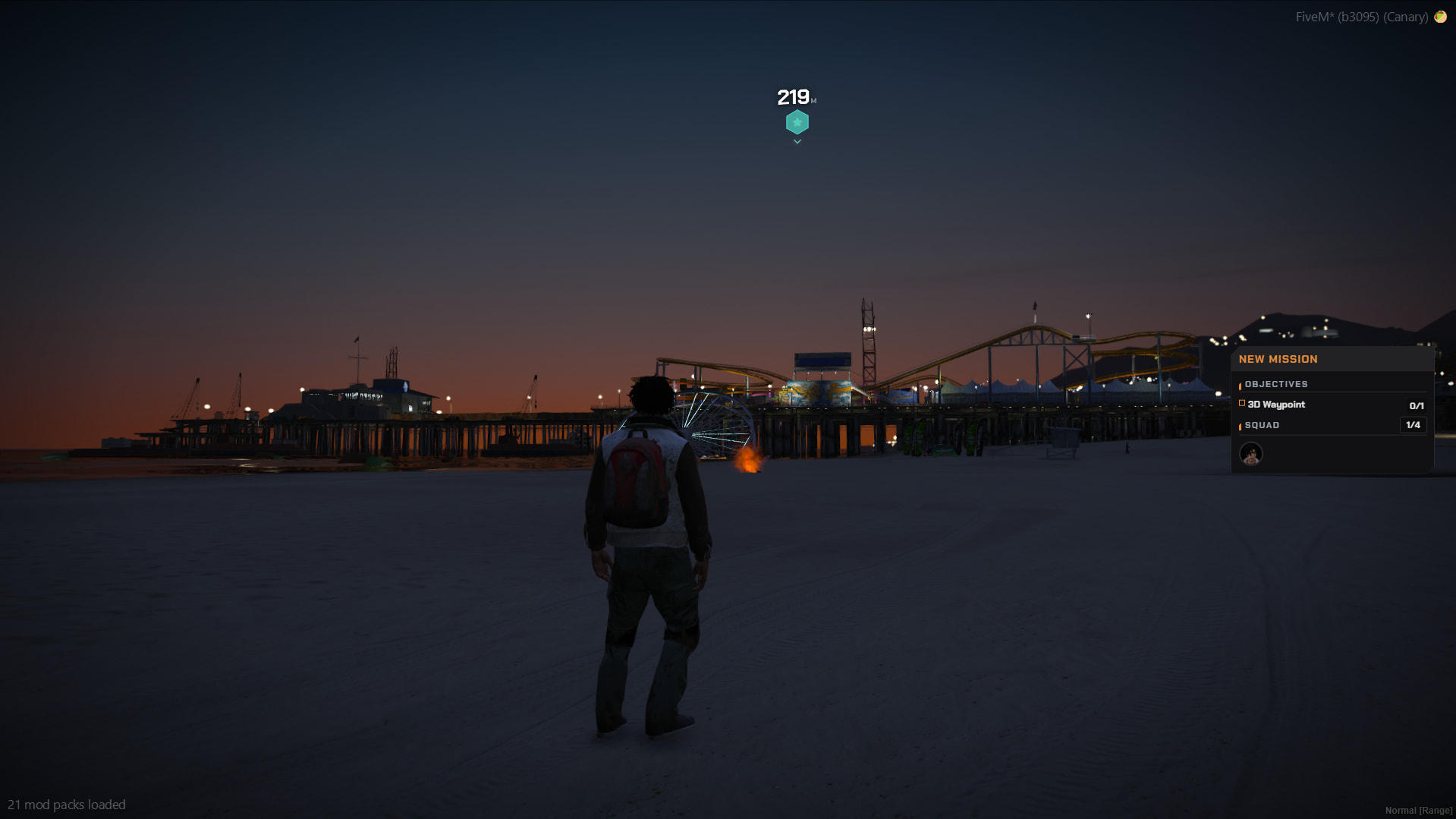
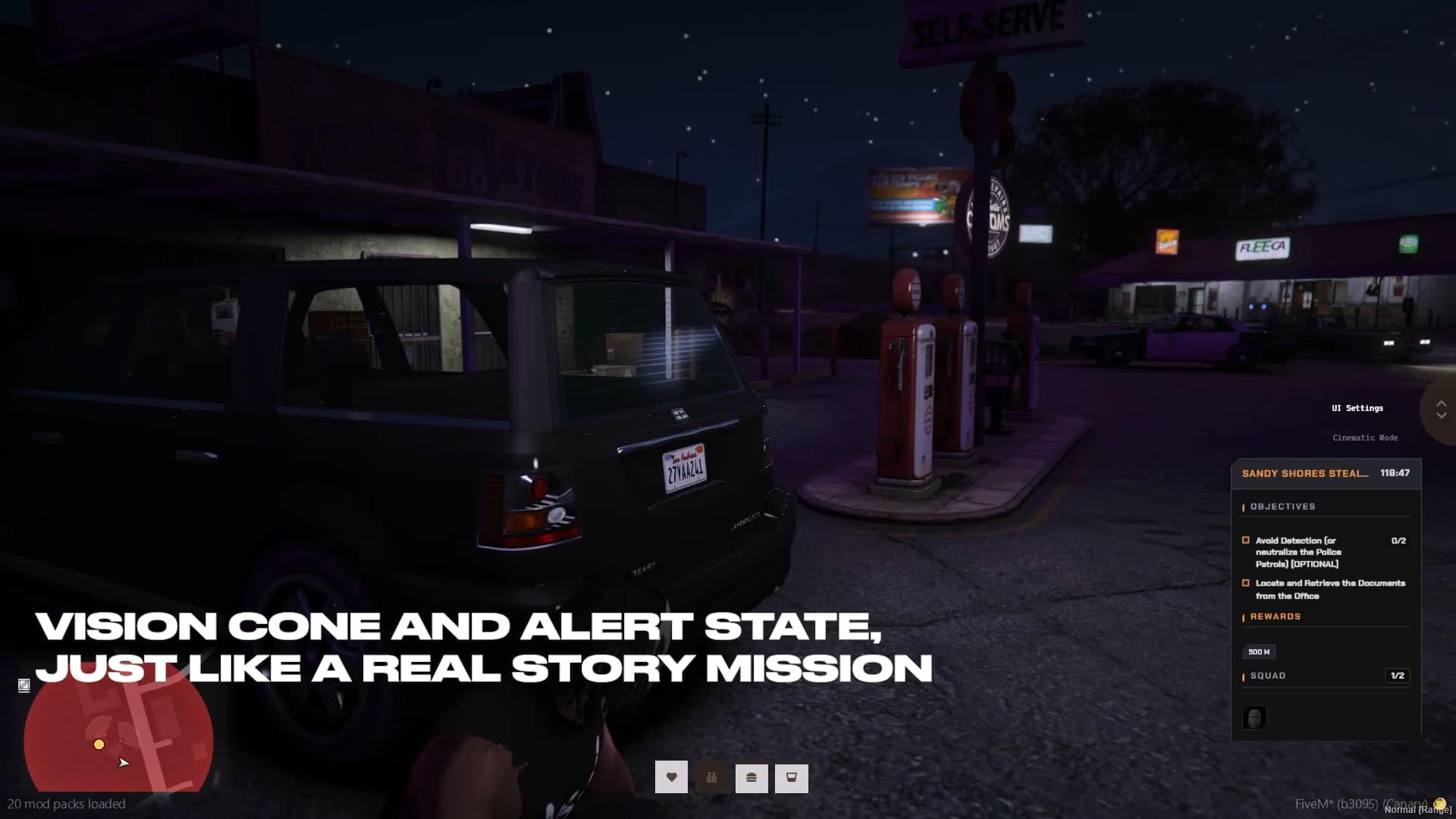
Every action, objective phase, and map indicator is meticulously synchronized in real-time across all squad members and instantly displayed on the dedicated HUD, ensuring a fluid and cohesive gameplay experience
Why choose Quests System?
This script transforms mission creation from a complex, time-consuming coding task into an efficient, in-game creative process. The powerful editor allows you to see your quests come to life as you build them, eliminating frustrating restarts and minimizing errors. With objective modules and advanced logic, you can create missions that genuinely challenge your players and offer replayability, creating the starting quests for your server and ensuring your content remains fresh and engaging.
With five distinct visual themes and the ability to customize the primary color for certain themes, the interface will perfectly match your server’s unique visual identity
Dependencies
This script requires the following resources to function correctly.
Open it directly in your browser to discover all its features — automatic videos will start whenever a live placement action is needed, so you can easily understand how the script works.
Interesting script. Is it possible to structure quests so that players also receive items? Which inventory system is supported, QB Inventory or CodeM Inventory?
This update is focused on integrating the new TTS (Text-to-Speech) system for maximum flexibility, allowing you to assign a unique Elevenlabs Voice ID to each NPC or use custom audio files (.mp3, .ogg) for every dialogue line.
Additionally, a key focus was the Kill Peds and Defend Area modules, which now include a Zombie option with specific animations and movement for spawning zombie hordes.
This update REQUIRES the XSOUND resource (link: Github)*
New Features
New search and filter bar for missions.
Full TTS Voice Support (Elevenlabs & custom audio).
Unique Voice ID configurable per NPC.
Smart Audio Caching (saves credits).
Audio to Main dialogue, ‘show quests’ response, and quest briefing.
New editable dialogue line when pressing “Show Quests”.
I cant find a channel in your discord to text in so i will do it here haha. You should make a channel in the discord where people can share their missions. Its going to take a WHILE to create the missions when freshly installing the script.
Really good work and already loving it!
Quick note on the missions channel:
To access it on Discord you just need the role that gets assigned automatically after purchase. That said, it’s no longer really essential: the Mission Creator 2.0 update went live a few months back, bringing a ton of new features, and among them there’s now a dedicated in-game page where you can download and upload community missions directly!
Here’s a rundown of much features that’s been added since 2.0 went live:
UI Overhaul
Total redesign across Dialogs, Quest HUD and Creator Page: smaller, cleaner
Dynamic Menus: input fields in the NPC and Vehicle sections now hide or show automatically based on your selections
Visual Pickers
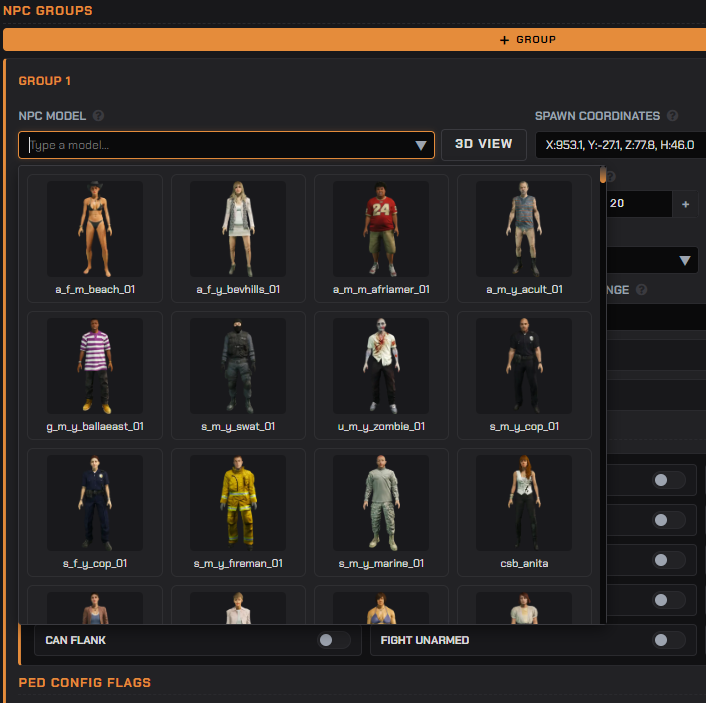

Ped & Vehicle Picker: peds and vehicles now display as a image thumbnail grid for rapid selector
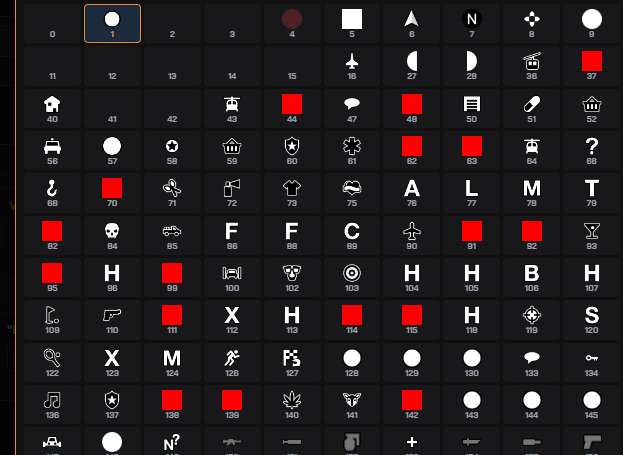
Blip Picker: every single blip sprite is now shown as an actual image inside the selector
Custom Blips: you can now set individual blips and waypoints for every single module
Dialogue & NPCs
Talk to NPC Module: new module for building complex branching dialogue trees with extensive options
New Dialogue Buttons: “View Rewards” and “View Required Items”, players can now check prizes and requirements before accepting a quest

NPC Freemode & Outfits: full support for Freemode models and custom outfits, plus a new “Import My Outfit” button to instantly copy your character’s look
Save Appearance for Standard NPCs: you can now save and reuse appearance and outfits for regular GTAV peds too
Multi-Position NPCs: the same NPC can now spawn in multiple spots on the map. Turn-in always goes back to the specific ped that gave the quest
Community & Map
Community Missions Hub: centralized hub to share, download and vote on missions. Top-voted ones get the “Featured” tag
Interactive Map: dedicated UI page showing all placed NPCs in real time
3D World Markers: high-fidelity 3D markers and waypoints (DUI-based) for every module and NPC
New & Enhanced Modules
Collect Item Module: checks whether a player has an item without removing it from their inventory
Heist Loot Module: new loot module with presets like money stacks and more, with minigame support
Enhanced Retrieve Item Module: now supports multiple items at once, with a “Removal” flag to choose whether items should be taken at the end
Combat & AI
Zombie Logic: new attack system with support for multiple custom animations per zombie type
Defend Area overhaul: enemies now split aggro between the player and the VIP
Configurable VIP health to fine-tune difficulty
New Dynamic Cover option: instead of standing frozen, the VIP moves around the area and tries to flee from enemies
Reward Logic 2.0
New Random Loot option: define multiple possible items with custom drop chances for dynamic, replayable rewards
Mission Logic
Jobs Online Requirement: require a minimum number of players with specific jobs online before a quest can start. Supports multiple jobs, each with its own counter (police, bcso, lspd, etc.)
Dispatch System: integrated notifications that can fire during specific quest events
All of these changes are fully configurable through the in-game UI.
I’ve probably forgotten a few smaller additions along the way, so if you want the complete picture you can always find the full changelog on our Discord!
Most fields have a small info icon next to them, just hover over it and you’ll get a tooltip explaining what that option does. If anything’s still unclear, open a ticket on our Discord and I’ll give you a hand directly
 QUESTS SYSTEM - MODULAR MISSION CREATOR
 Core Systems
 Objective Modules
 Screenshots






 Why choose Quests System?
 Dependencies
 Perfect For
 Video Showcase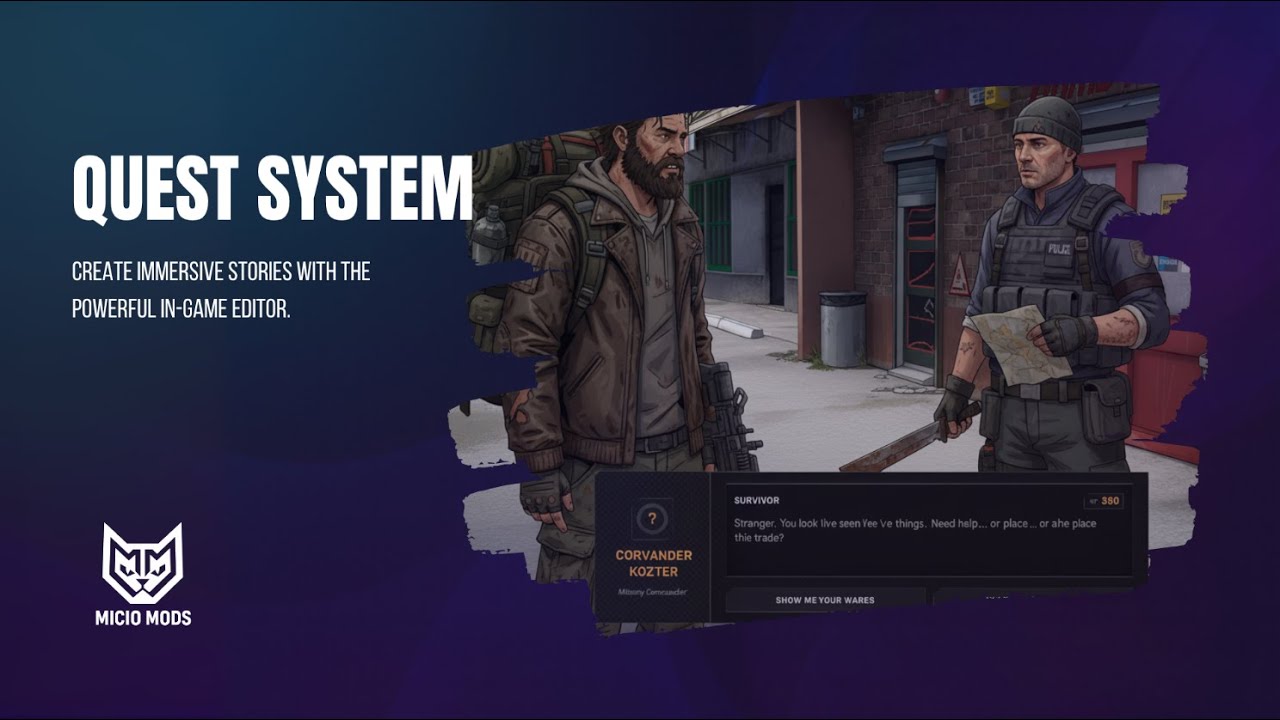
 Discord (Support/Community)
 Official Docs
 Purchase Here
 Try the UI
 Required Information
 MICIO MODS - Owner-level quality, for owners.
 UPDATE: V.1.0.7 (Voices & Zombies)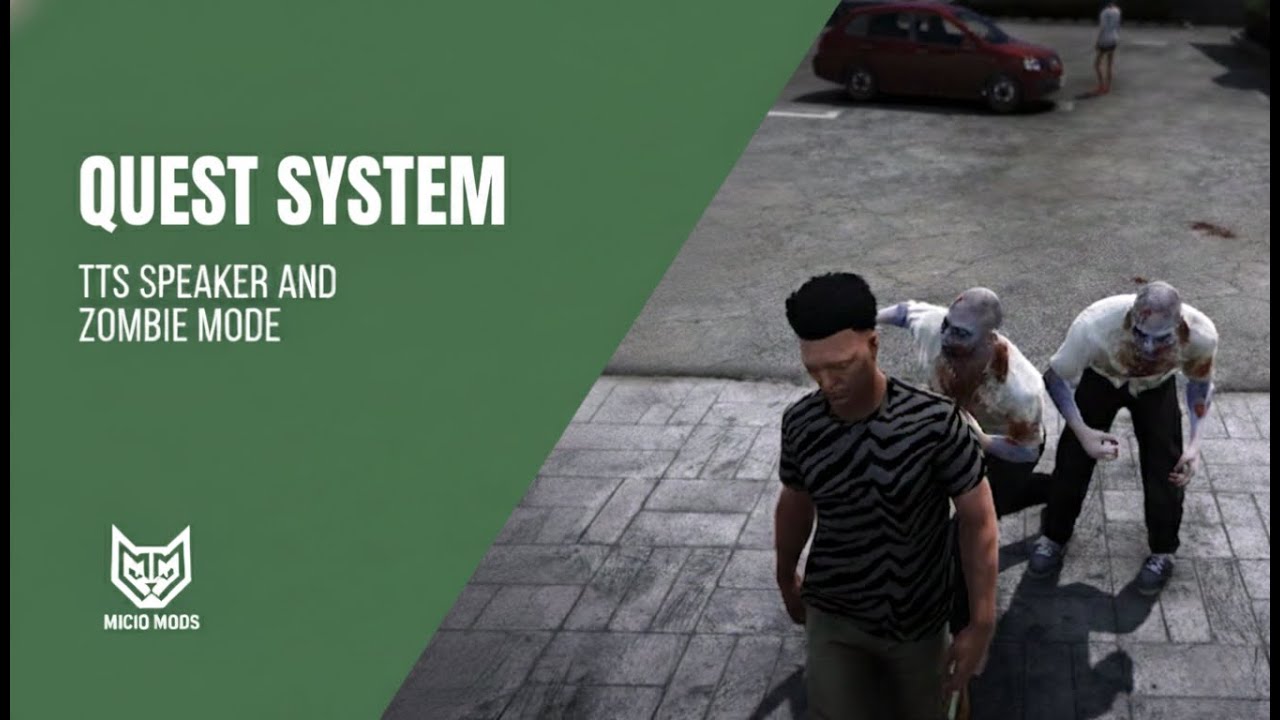


 Mission Creator 2.0 — What’s new
 UI Overhaul
 Dialogue & NPCs
 Community & Map
 New & Enhanced Modules
 Combat & AI
 Reward Logic 2.0