
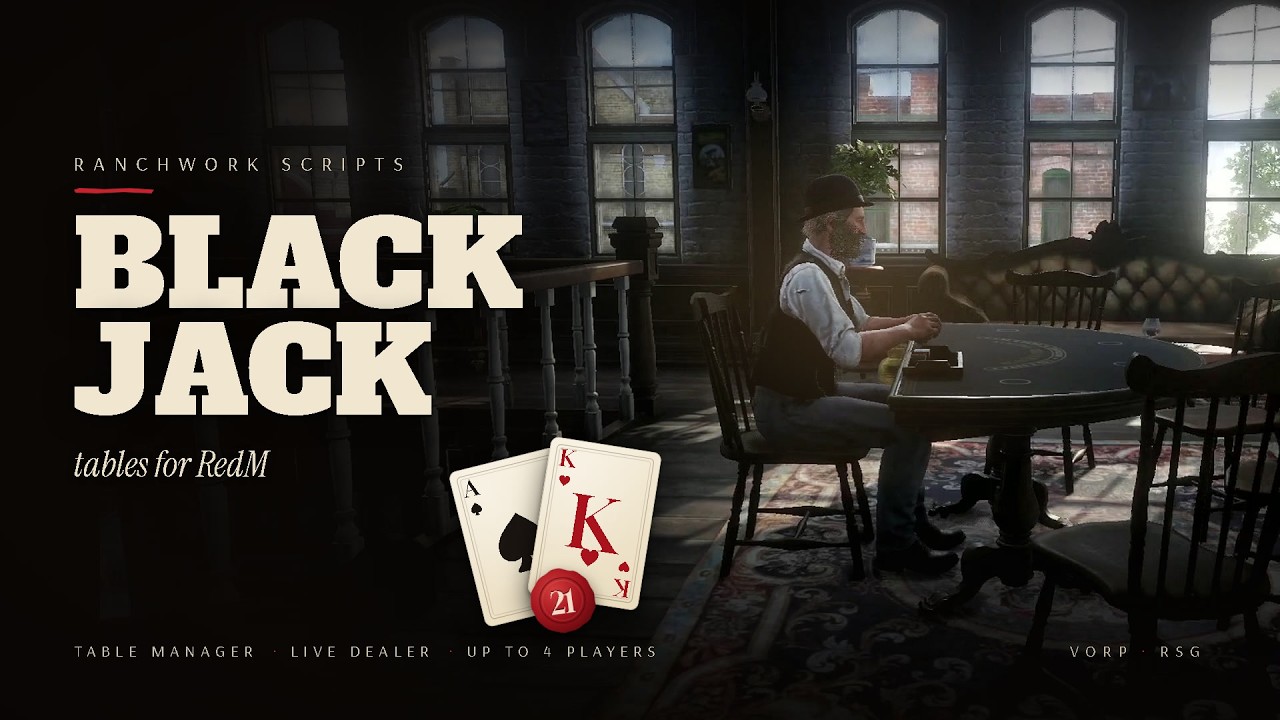
Blackjack tables for RedM. Admins place tables in game with a gizmo, and players sit down to play against a dealer who uses the game’s own blackjack animations, card props and chips. Works with VORP and RSG.
Purchase : Ranchwork Blackjack | Animated dealer & in-game table manager
Support : Join US
Features
Table manager (/bjmanager)
- Add, edit, move and delete tables in game; they are saved in the database
- Placement with the vorp_lib gizmo, or look-and-place when vorp_lib is not installed
- The table is measured once it is placed: the dealer sits behind the straight edge and the seats line up with the table’s own chairs
- The saloon tables in Blackwater, Rhodes and Van Horn can be switched on or off
- Every table has its own name, 1–4 seats, stake level, card deck (8 decks) and map blip
- Moving or deleting a table refunds the hand in progress
At the table
- Native prompts for Hit, Stand, Double Down and Split
- Bet with the arrow keys (hold to repeat) and move to a free seat before betting
- Stand at any point after the deal; pressed early, it stands as soon as your turn comes
- Up to 4 players per table; players nearby see the cards and the dealer
- Dealer peek, configurable soft 17, blackjack pays 3:2
- Bets are refunded when the shoe, the table or the server closes mid-hand
HUD
- Player list, dealer hand, your hand, turn timer and result banner
- 3D tags: scores on the felt, a dealer badge, Hit/Stand over players’ heads and a badge over every table in play
- Player settings (
Jor/bjsettings): volume, card, chip, win and alert sounds, sizes, animations, win glow and HUD toggles, saved for each player
Server
- The game runs on the server; the dealer’s hole card is never sent to clients
- Optional hourly house loss limit, for all tables together or per table
- Rules, payouts, stake presets, timers and keys in
config.lua - English and Turkish
Controls
| Key | Action |
|---|---|
| E | Play / Bet / Hit |
| ↑ / ↓ | Raise / lower the bet |
| ← / → | Move to the next free seat |
| R | Double down |
| U | Stand |
| G | Split |
| B | Leave the table |
| J | Settings |
Installation
- Put
ranchwork_blackjackin yourresourcesfolder. - Set
Config.Frameworkto'vorp'or'rsg'inconfig.lua. - Add it to
server.cfgafteroxmysqland your framework:
ensure ranchwork_blackjack
- Give admins access with a group from
Config.AdminGroups, or with ACE:
add_ace group.admin ranchwork.blackjack.admin allow
The rw_blackjack_tables database table is created on first start, so there is no SQL to import.
Configuration
Config.Rules = {
    DeckCount = 2,
    BlackjackPayout = 1.5,    -- 3:2
    WinPayout = 1.0,          -- 1:1
    DealerHitsSoft17 = false, -- false = dealer stands on soft 17
    DealerPeek = true,
    AllowDouble = true,
    AllowSplit = true,
}

Config.Stakes = {
    { id = 'low',      label = 'Low Stakes',  min = 2,  max = 20,  step = 2 },
    { id = 'standard', label = 'Standard',    min = 10, max = 100, step = 10 },
    { id = 'high',     label = 'High Stakes', min = 50, max = 500, step = 50 },
}

Config.HouseLossLimit = { Enabled = true, PerHour = 2500, Scope = 'global' } -- 'global' or 'table'
Purchase on Tebex : RanchWork Script - Advanced Banking | RedM VORP Banking System
| Code is accessible | Yes |
| Subscription-based | No |
| Lines (approximately) | 5,850 |
| Requirements | VORP or RSG, oxmysql, OneSync (vorp_lib optional) |
| Support | Yes |