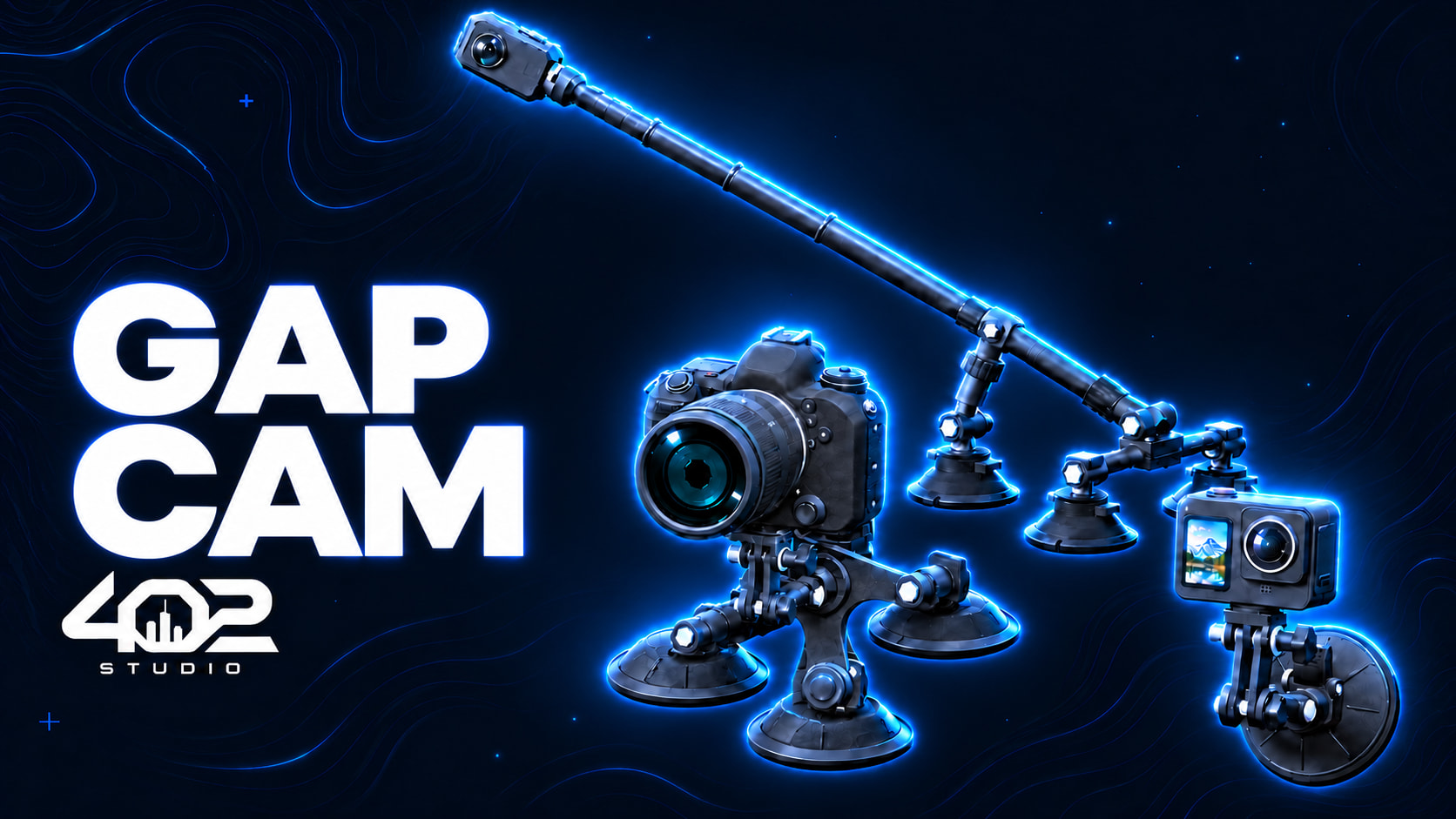
402 GapCam
Mount a 360 camera, ActionCam, or DSLR on your vehicle and capture the drive from its position. Place each mount where you want it, adjust its hinges and camera head, then switch into a live view to zoom, take snapshots, or record a clip.
A vehicle can carry multiple cameras, including several of the same type. Each camera keeps its own position, rotation, and joint settings.
Documentation · Resource file preview · Support
Showcase
Watch the full showcase on YouTube
Place and adjust your cameras
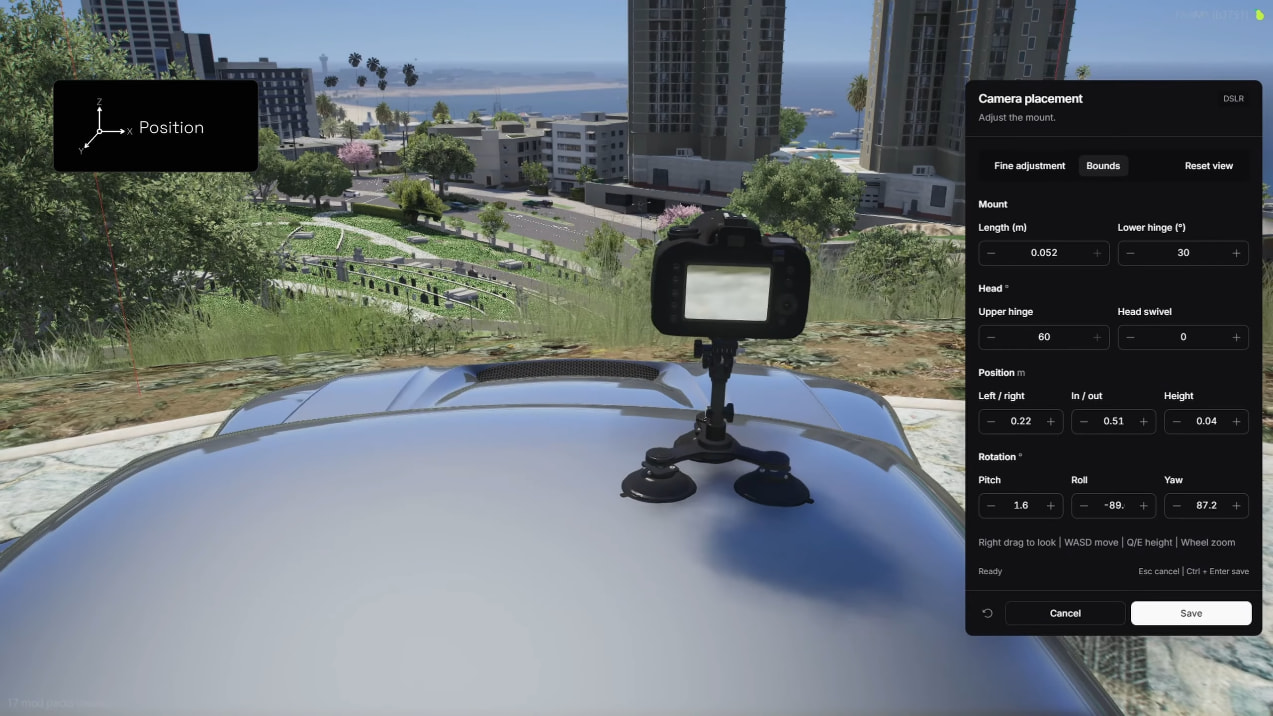
Use the in-game placement panel to move and rotate the mount, make fine adjustments, and set the available joints. GapCam has an extendable pole and adjustable suction cups. ActionCam and DSLR have their own articulated mounts, hinges, and camera heads.
Mounts attached to supported doors, hoods, and trunks follow those panels. Save the fit for that vehicle, or cancel to keep the previous placement.
Live camera views
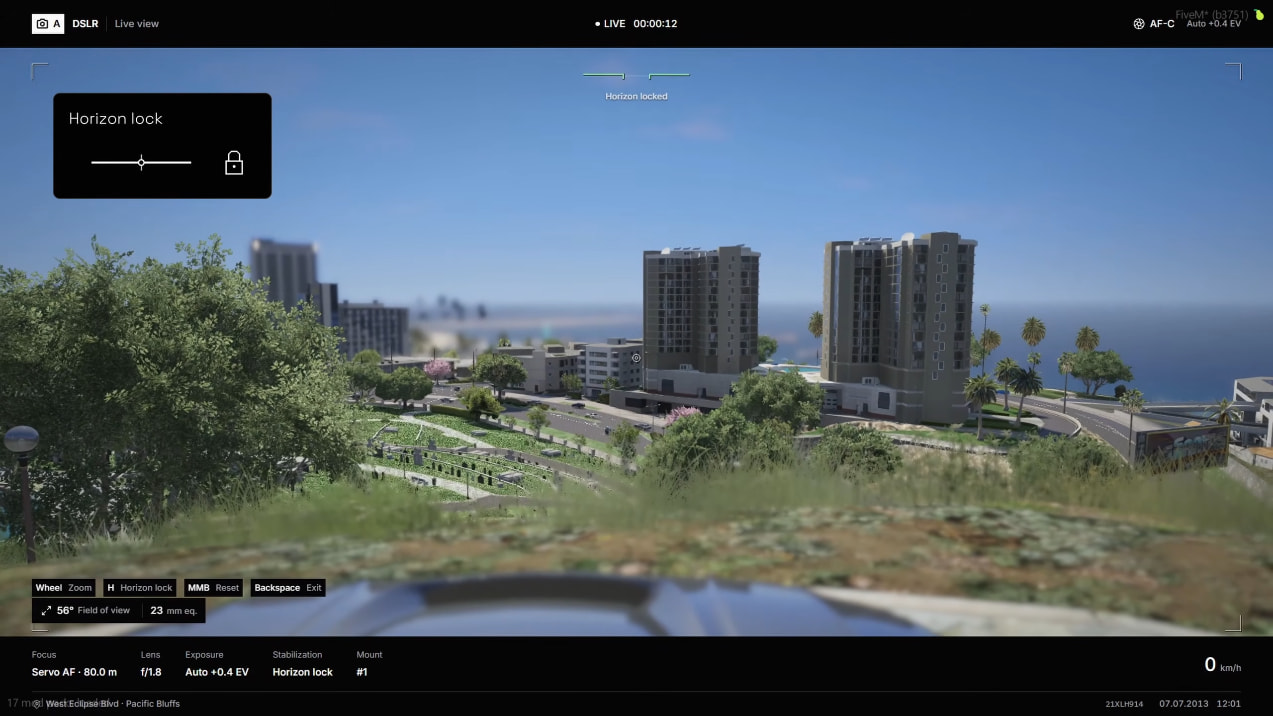
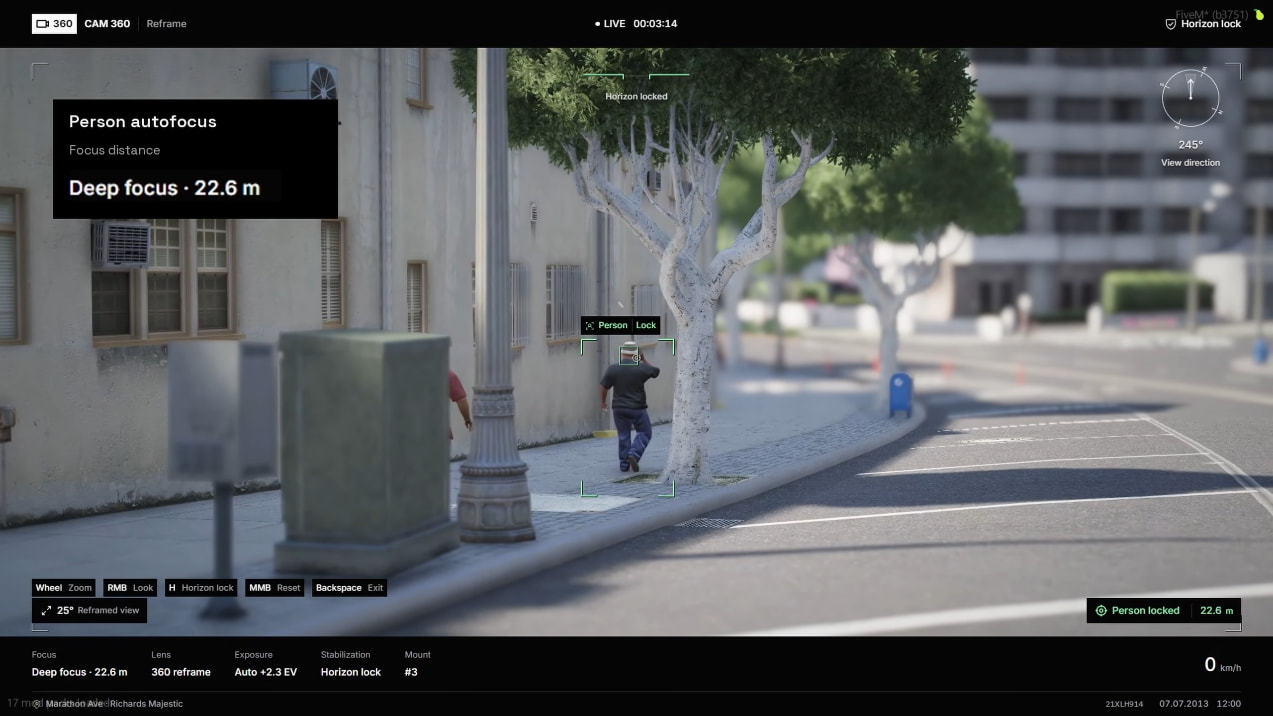
Each camera has its own viewfinder. Rotate the 360 view with free look, or use the fixed lens direction of the ActionCam and DSLR. Zoom with the mouse wheel and toggle horizon lock while viewing.
- Autofocus for people and vehicles, with focus frames and distance readouts.
- Automatic exposure as the lighting changes.
- Separate camera overlays with composition guides and live status.
- Adjustable mounting and lens direction for different vehicle shots.
Snapshots, recording, and saved clips
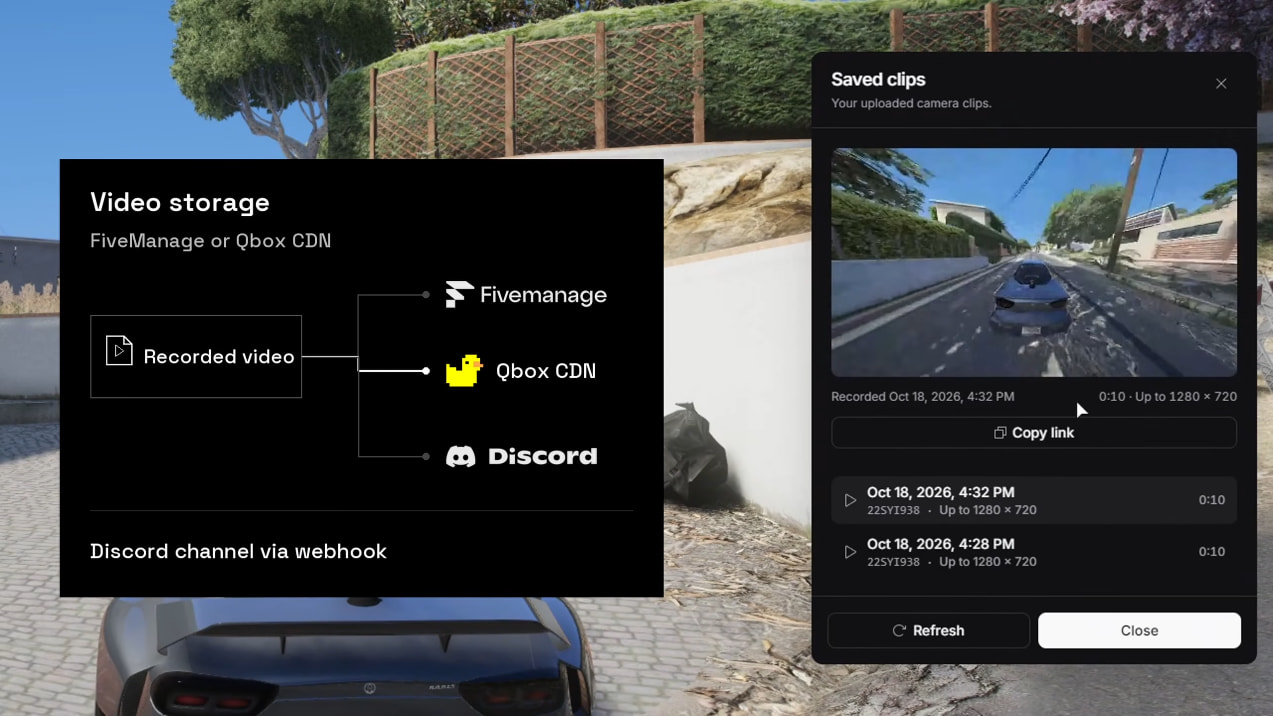
Send snapshots to a Discord webhook. Record video clips to Qbox CDN or FiveManage using ScreenCapture. With a CDN provider selected, players can open their saved clip library to play recordings, copy links, refresh the list, and load older clips.
Clip duration and capture bounds are configurable. The defaults are 10 seconds and up to 1280 × 720. ScreenCapture supplies the game footage; the player’s NUI viewfinder is separate from the uploaded footage. Upload providers require their own configured webhook or account and API key.
Saved installations and configuration
- Camera mounts restore when the same vehicle returns from garage storage or after a resource or server restart.
- One matching camera item is consumed after an installation is accepted. Removing the camera returns its item to the removing player.
- Optional item requirements, vehicle target interactions, and camera menu commands.
- Server checks for distance, routing bucket, vehicle class, inventory, and placement limits.
- Configurable items, camera labels, placement steps, controls, capture permissions, and upload settings.
- Twelve included languages: English, Arabic, German, Spanish, French, Italian, Polish, Portuguese, Brazilian Portuguese, Romanian, Thai, and Turkish.
Nearby players in the same routing bucket can adjust and remove installed cameras. Vehicle matching uses the bridge’s persistent vehicle ID and model, with plate and model matching for vehicles without a persistent ID.
Requirements and setup
- OneSync enabled.
- oxmysql connected to your database.
- 402studio Bridge with compatible framework, vehicle-class, inventory, menu, and progress providers configured.
- ScreenCapture v0.17.2 or newer for optional snapshots and video recording.
- A Discord webhook for snapshots or Discord clips, or a FiveManage/Qbox CDN key for CDN clips.
The bridge supplies the framework integration. Configure its providers for your server before starting GapCam. The supplied video provider is Qbox CDN, so set its key or select another destination before recording.
Place the resource in your server, register the included inventory items, start its dependencies, then start the bridge and GapCam. Database tables are created automatically. The installation guide covers the full start order, item definitions, and first-use checks. The recording guide covers ScreenCapture, webhooks, CDN keys, and troubleshooting.
Quick controls
| Action | Command or default key |
|---|---|
| Open the vehicle camera menu | /gapcam |
| Toggle the selected camera view | B or /gapcamview |
| Toggle horizon lock | H |
| Take a Discord snapshot | N or /gapcamsnap |
| Record and upload a clip | M or /gapcamclip |
| Open saved CDN clips | /gapcamvideos |
Performance
resmon from the test session:
| State | Reported time |
|---|---|
| In the camera view | 0.75 ms |
| Outside the camera view, with a camera mounted nearby | 0.09 ms |
| Idle, with no GapCam nearby | 0.00 ms |
These screenshots show individual readings. Results vary with scene, and camera count. Performance will be improved in the future.
In the camera view

Outside the camera view, camera mounted nearby

Idle, no GapCam nearby

Release information
| Version | 1.0.0 |
| Code is accessible | Runtime: no. Configuration, locale files, inventory definitions, and web interface source: yes. |
| Assets are accessible | Streamed camera assets are protected with Cfx.re Asset Escrow. |
| Subscription-based | No, one-time purchase. |
| Lines (approximately) | About 7,000 across Lua and editable interface source. |
| Requirements & dependencies | OneSync, oxmysql, 402studio Bridge and compatible providers. ScreenCapture and an upload destination for optional captures. |