Object Grab
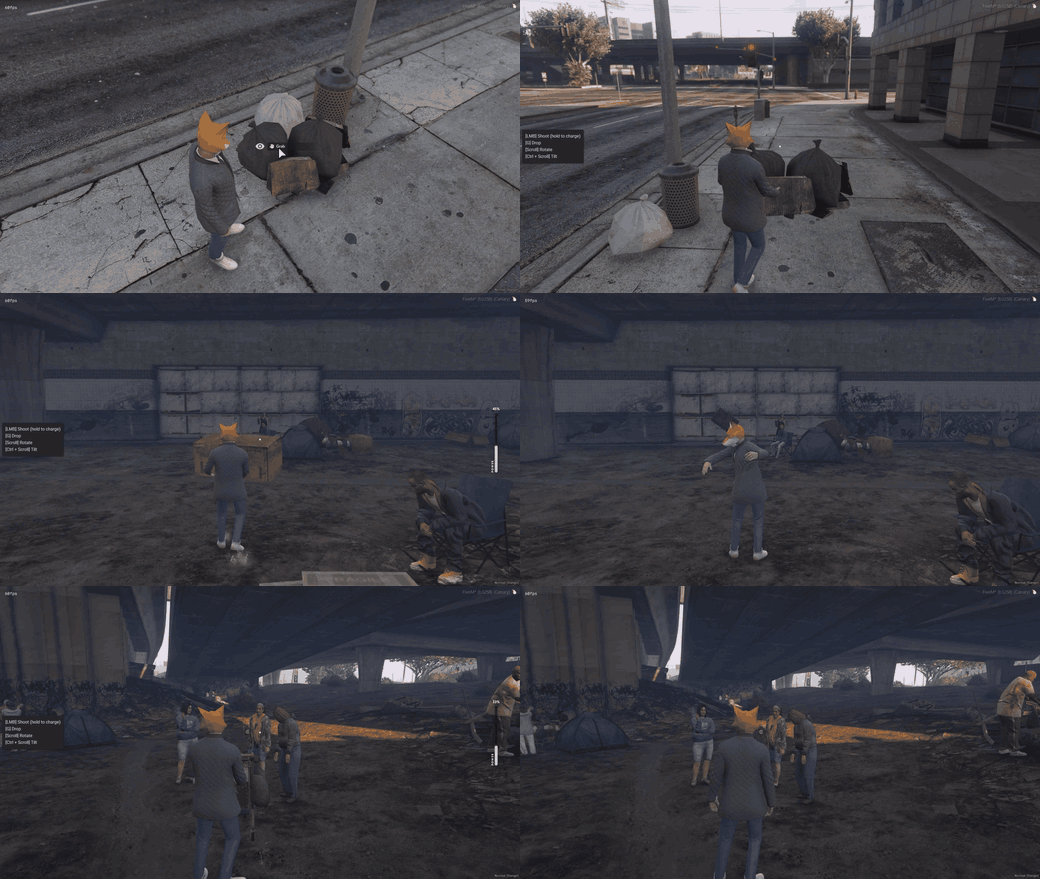
Pick up the world around you and throw it. Look at a bin, a traffic cone, a crate, an empty car or a passer-by, and it flies into your hands. Turn it with the mouse wheel, hold the mouse button to charge, let go, and it lands where your crosshair points. Every other player sees it fly.
Get it on Tebex – free · Preview video · Documentation · Discord
What you get
Grab almost anything loose
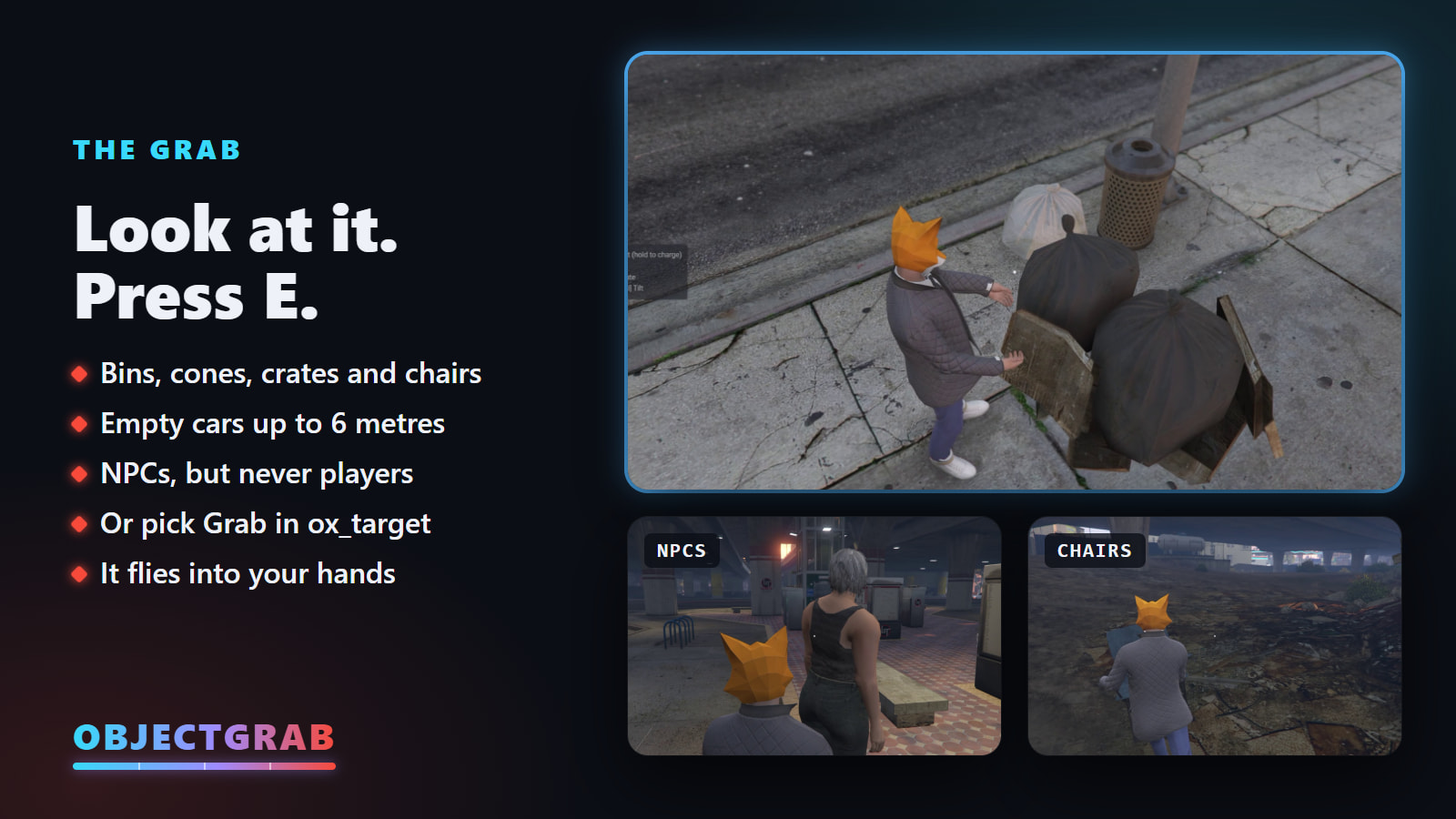
- Map props: bins, cones, crates, chairs, bags and everything else up to 2 metres. Broken pieces too, like a crate from a fallen stack.
- Props from your other scripts: anything networked, up to 2 metres.
- Empty vehicles: up to 6 metres long, with nobody inside.
- NPCs: ambient passers-by. They go limp when you let go or throw them.
- Never players.
- Every limit is a setting, and any model can be blacklisted or given its own size limit.
Hold it, turn it, throw it
- Look at it, press E. Whatever is in reach gets an outline and a key hint. Press E, or choose Grab in ox_target, and it flies into your hands.
- It floats in front of you while you walk and run. The mouse wheel turns it, Ctrl and the mouse wheel tilt it.
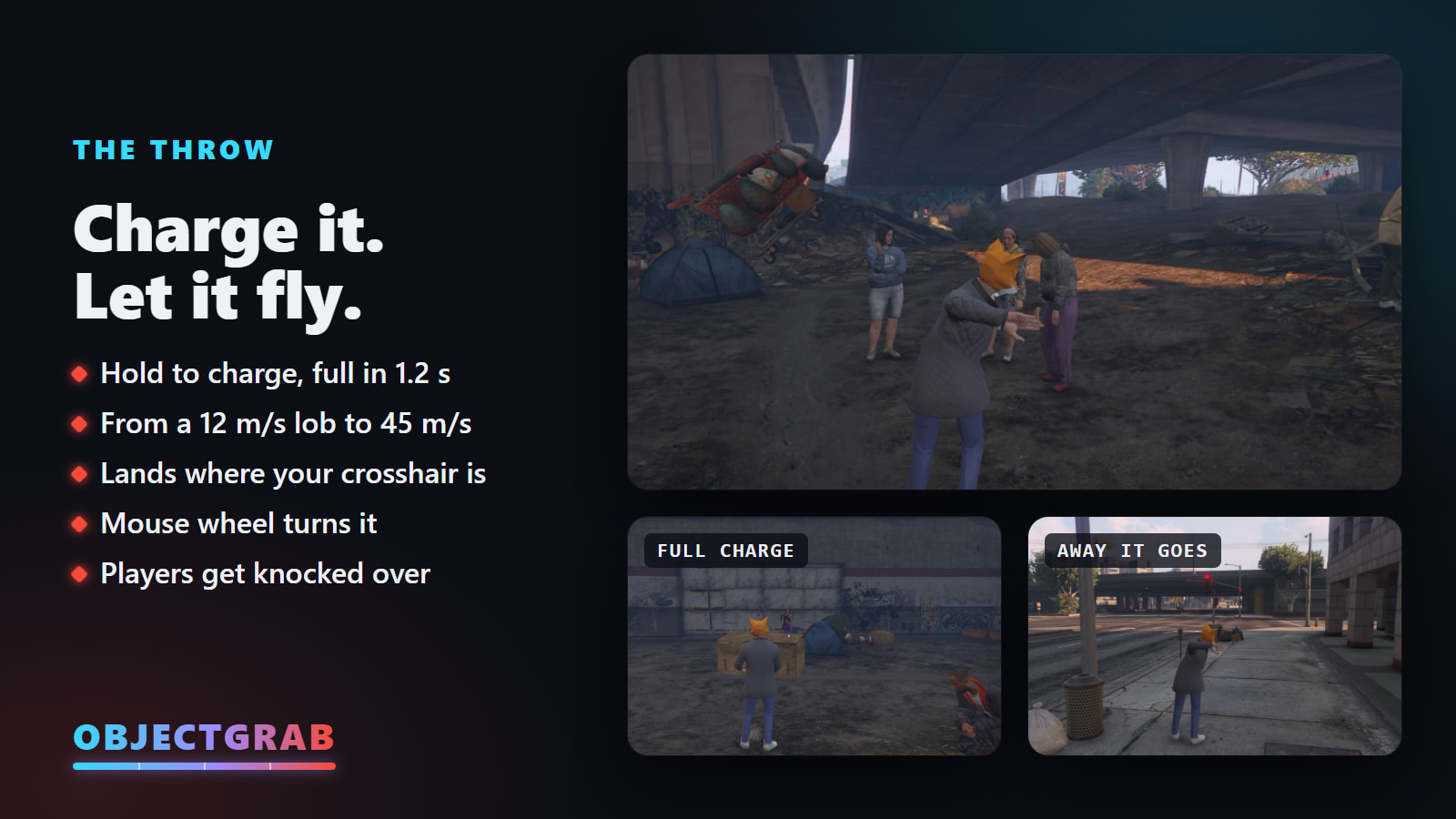
- A real charged throw. Hold the left mouse button and an animated charge bar fills from cyan to red, from a gentle lob to a full-power shot in 1.2 seconds.
- Where you aim. Let go and it flies to the point under your crosshair.
- G puts it down without throwing.
- Your keys. Every key is a FiveM key binding each player can change in their settings.
Synced for everyone
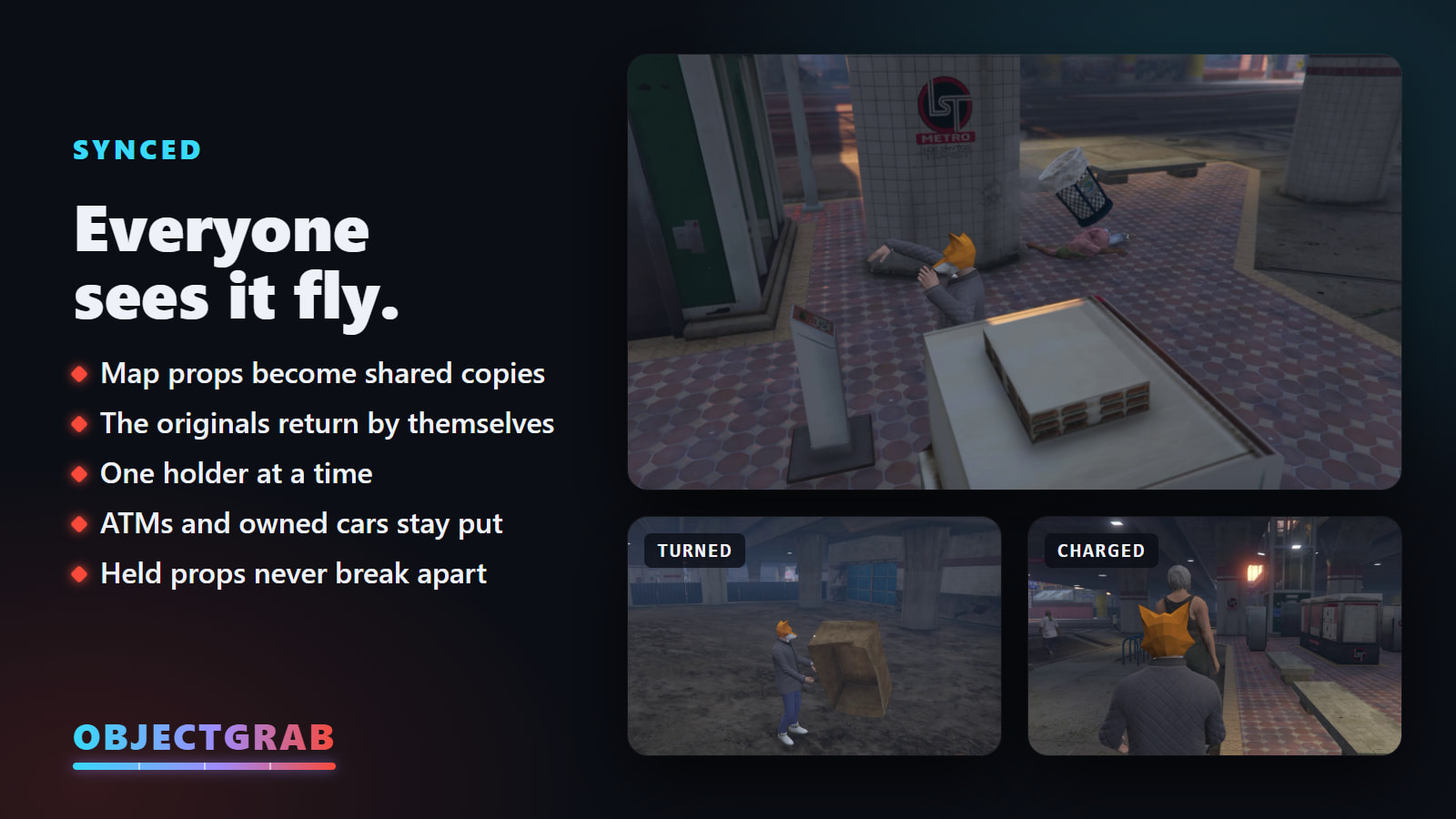
- Every player sees it. A grabbed map prop is swapped for a networked copy, so it moves and lands in the same place on every screen.
- The map puts itself back. The original prop returns on its own after 5 minutes.
- Fair to players. A player hit by something thrown is knocked over for a moment instead of being taken out by GTA’s impact physics. How much it hurts is up to you.
- Safe out of the box. ATMs are blacklisted, owned cars from garages and shop or job NPCs can’t be grabbed, and grabbed map props return by themselves.
Settings per model
Hold a bottle in your right hand and throw it like a grenade, make a dumpster slow to wind up and too heavy to run with. Any single model can get its own position, hand, rotation, animations, throw power, charge time and damage.
Config.Models = {
    -- a bottle in the right hand
    [`prop_beer_bottle`] = {
        bone = 57005, position = vector3(0.12, 0.0, -0.05), rotation = vector3(-90.0, 0.0, 0.0),
        holdAnim = false, shootSpeedMax = 30.0,
    },
    -- a heavy dumpster
    [`prop_dumpster_02b`] = {
        ignoreSize = true, chargeTime = 2500, shootSpeedMax = 25.0, allowSprint = false, throwDamage = 30,
    },
}
/objectgrab_debug shows in the F8 console why something can or cannot be grabbed, and the model hash you need for its settings.
Permissions
- Off by default: everyone can grab.
- Turn them on and allow it by ACE, by group (admin, mod and so on) or by job with a minimum grade, only on duty if you like.
- Job, grade, duty and group changes apply at once.
- Any other framework: your own check in one function.
Setup
- Drop the
objectgrabfolder into yourresources. - Add
ensure objectgrabto yourserver.cfg, after ox_lib and ox_target if you use them. - Restart the server. Walk up to a bin and grab it.
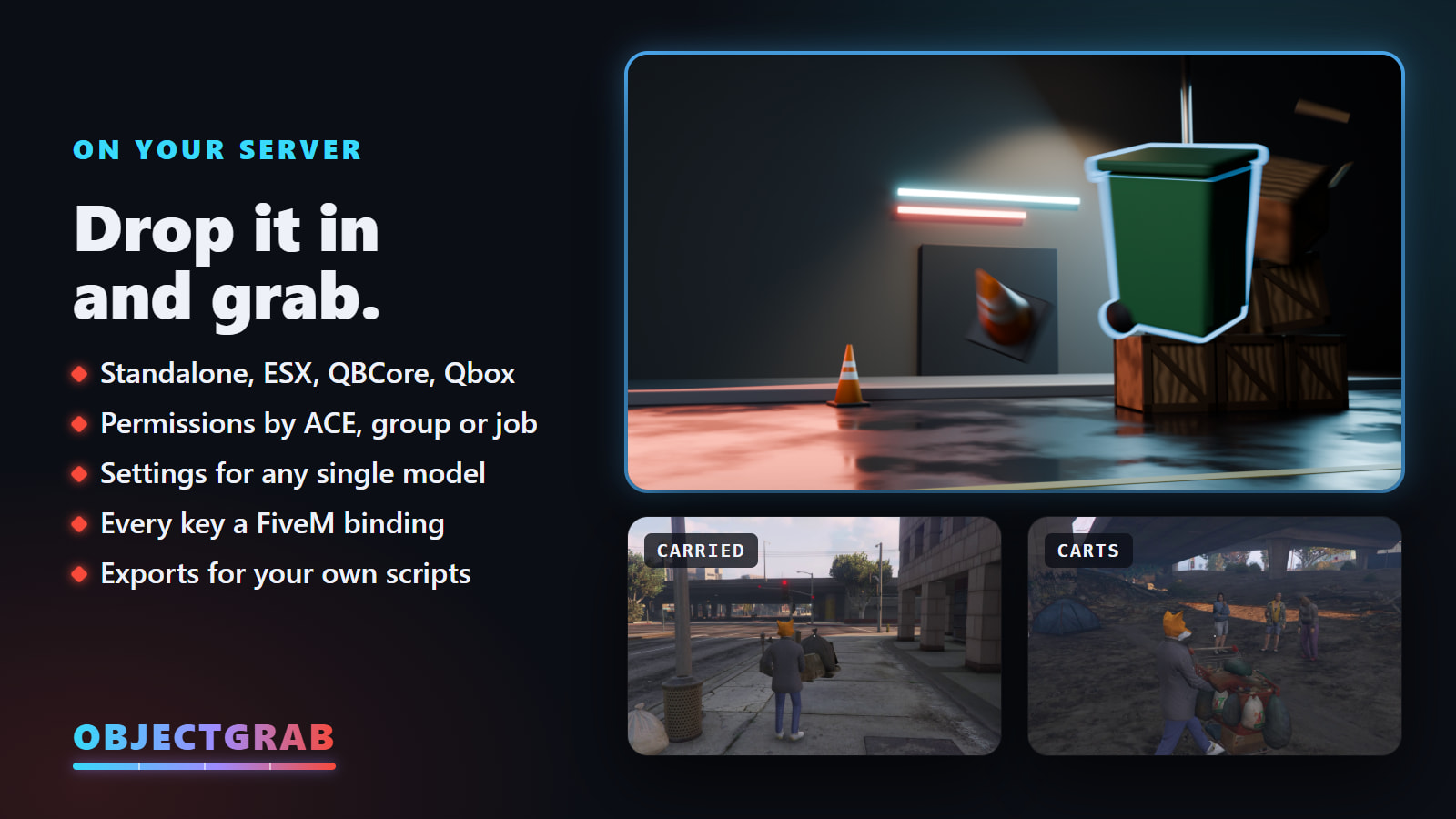
ESX, QBCore and Qbox are detected by themselves, ox_target adds a Grab option, ox_lib shows the key hints and messages. Standalone works too.
Configuration
A single commented config.lua, among others:
- keys, rotation step, and whether to use the E key, ox_target or both
- reach, maximum sizes, how fast the object flies into your hands, where it is held
- what can be grabbed: map props, script props, broken pieces, vehicles, NPCs, and script-spawned ones
- throw power, charge time and aim range
- what a hit does to a player: knock-over time and any damage
- how long a grabbed map prop stays before it returns, and how many may exist at once
- animations, outline colour, crosshair, the charge bar and where it sits
- ox_lib or GTA notifications and key hints, and every text
For developers
Exports and events, in open files:
- Client:
isHolding,getHeldEntity,canGrab,grab,drop,shoot,setEnabled,isEnabled,isAllowed - Server:
isAllowed,setAllowed,refreshPermission,getFramework,restoreWorldProps - Events when something is grabbed and released.
Requirements
OneSync (on by default on txAdmin servers). ESX, QBCore or Qbox, ox_target and ox_lib are all optional.
Documentation and support
- Documentation – installation, every setting, permissions, per-model settings, exports.
- Discord – questions, support and updates.
| Code is accessible | No (escrow); config.lua, the framework bridge and both export files are open |
| Subscription-based | No |
| Lines (approximately) | ~2,000 |
| Requirements | OneSync (ESX / QBCore / Qbox, ox_target, ox_lib optional) |
| Support | Yes, on Discord |

