To link Discord with FiveM you must make sure you installed the Discord desktop app, after doing so make sure Discord is open before you open FiveM.
The following popup should appear in your Discord:
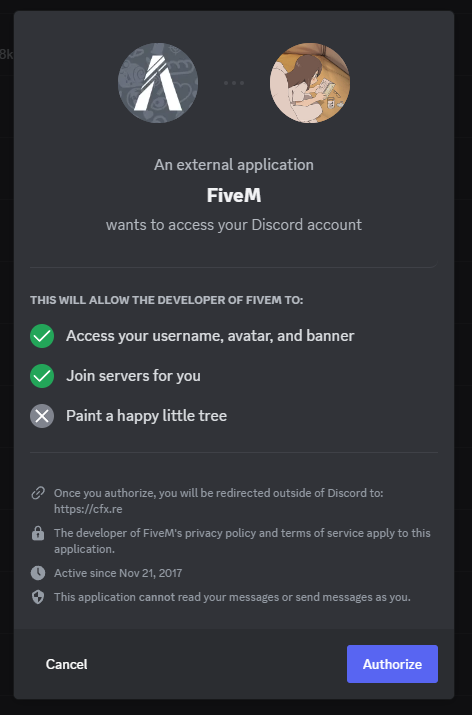
Press authorize and you’re set.
If you didn’t get a pop up please check/try the following:
Try restarting Discord or restarting your entire computer.
Make sure you are not running Discord as an administrator.
If you are using a modified Discord client such as Vencord/Better Discord you should uninstall them. You can install them back after.
Make sure you don’t already have “FiveM” as an authorized app within Discord. If you do, deauthorize “FiveM” from your authorized apps in Discord then try the above again.
Some people have had to repair or reinstall Discord.