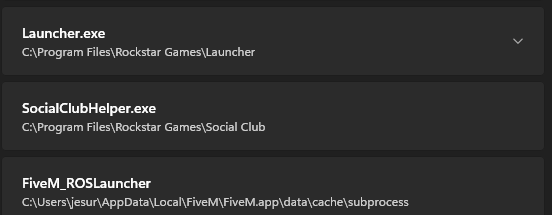
What is the issue you’re having?
I am unable to launch FiveM because Rockstar authentication fails.
Rockstar Games Launcher itself works normally. I can open the launcher and sign into my Rockstar account without any problems.
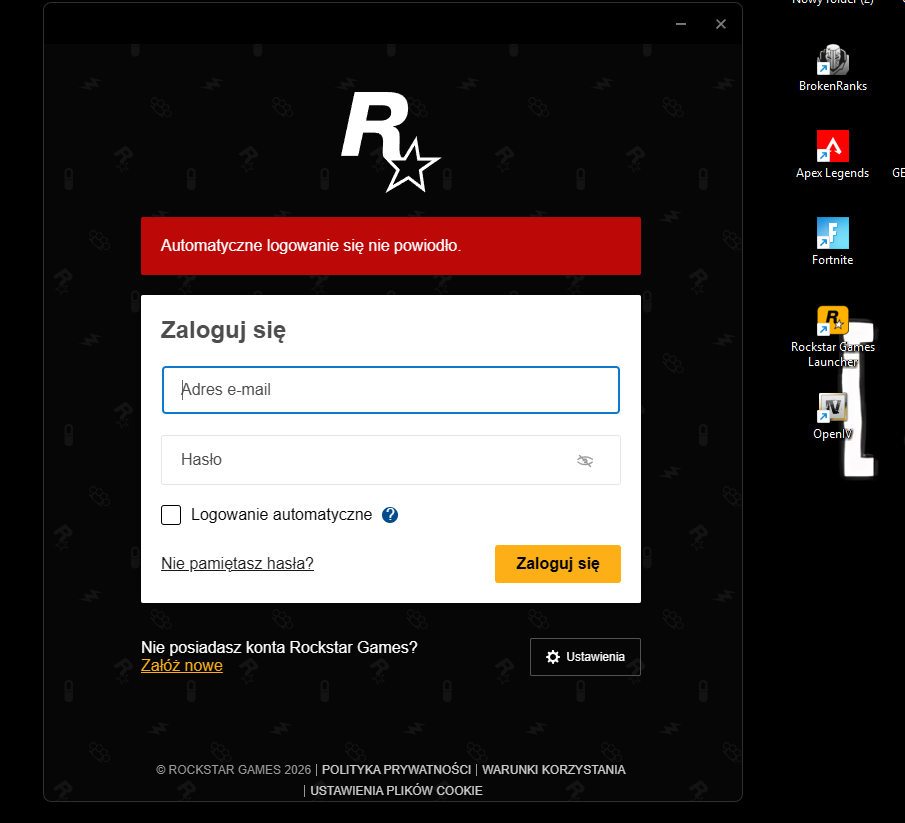
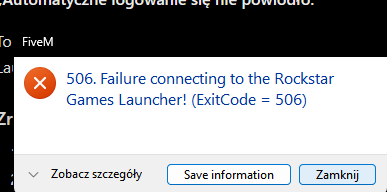
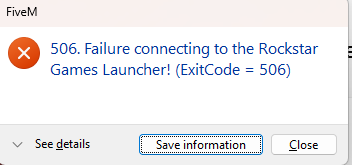
However, when I launch FiveM, it asks me to sign into Rockstar again. When I try to authenticate, FiveM gives me:
“506. Failure connecting to the Rockstar Games Launcher! (ExitCode = 506)”
I have also received:
“Unable to authenticate with Rockstar Games Services. Please sign in again.”
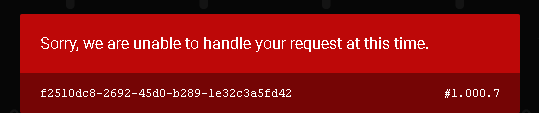
and during the Rockstar authentication process:
“Sorry, we are unable to handle your request at this time.” – Error #1.000.7
The problem only seems to occur when FiveM tries to authenticate with Rockstar. I can sign into Rockstar Games Launcher normally outside of FiveM.
What have you tried already to fix the issue?
I have restarted my PC, restarted FiveM and Rockstar Games Launcher, signed out and back into Rockstar Games Launcher, and made sure the launcher is running and logged in before starting FiveM.
I also deleted the ros_id.dat file from the CitizenFX folder to force the Rockstar authentication information to be recreated, but the issue still persists.
Error screenshot(s)
Windows version
Windows 11 version 26H2 (OS Build 26300,9550
System specifications
CPU: AMD Ryzen 7 3700X 8-Core Processor
GPU: NVIDIA GeForce RTX 3070
OS: Windows 11
RAM: 32 GB
Antivirus software
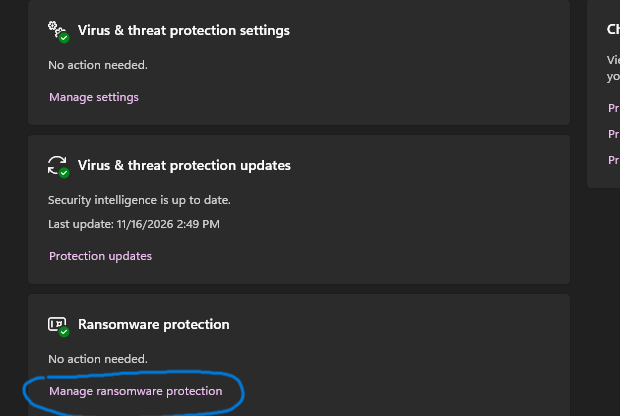
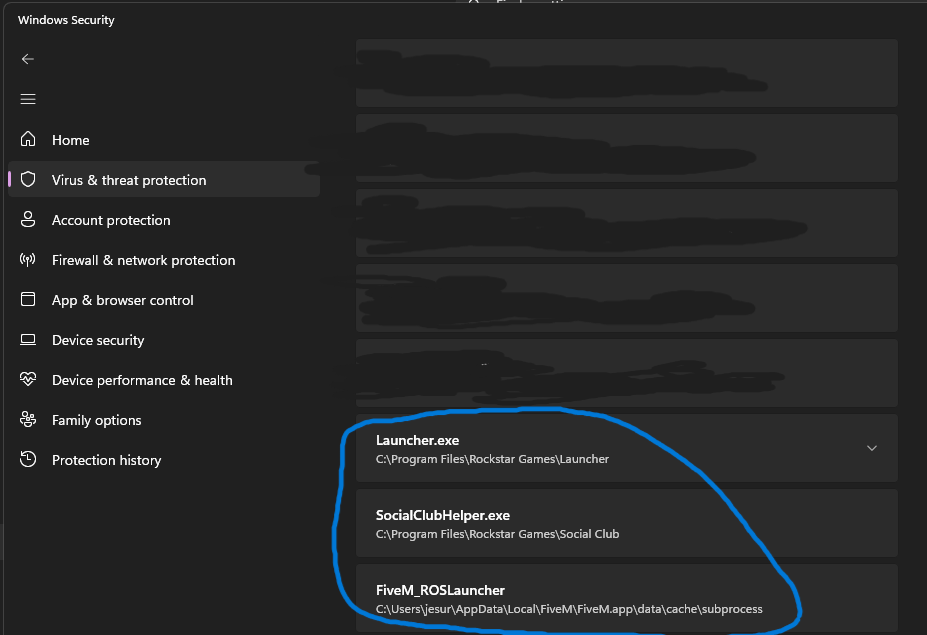
Microsoft Defender Antivirus (Windows Security)
Additional comments
Rockstar Games Launcher works normally when opened by itself. The authentication problem only occurs when launching FiveM.

 Post your fix. This way, if someone else needs the fix, they’ll have your post to help them, even if the 2 fixed theirs.