I dont know
I dont know either
Legit copy
Epic Games
Win 11
No
AMD Ryzen 7 5700X 8-Core Processor
32 GB Ram
KINGSTON SNV2S1000G
NVIDIA GeForce RTX 3060
Hello, this is a friendly reminder because this is your first time creating a topic (or it has been a while since your last topic) in this category.
Please note that most of the support is provided by the Cfx.re community on a voluntary basis. We ask you to be patient; there is no guarantee we have a solution to your problem(s). To avoid unnecessary/duplicate topics, please browse the forums before creating a topic.
To improve your chances of your issue(s) being solved, please provide as much information as possible about the issue(s) you are having. Also —whenever possible— please use the template given to you when creating a topic.
¡Hola! Remove GTA 5. No mods, only clean game. All updates. Remove FiveM. Install again. Update drivers for graphic card and update Windows. Try again.
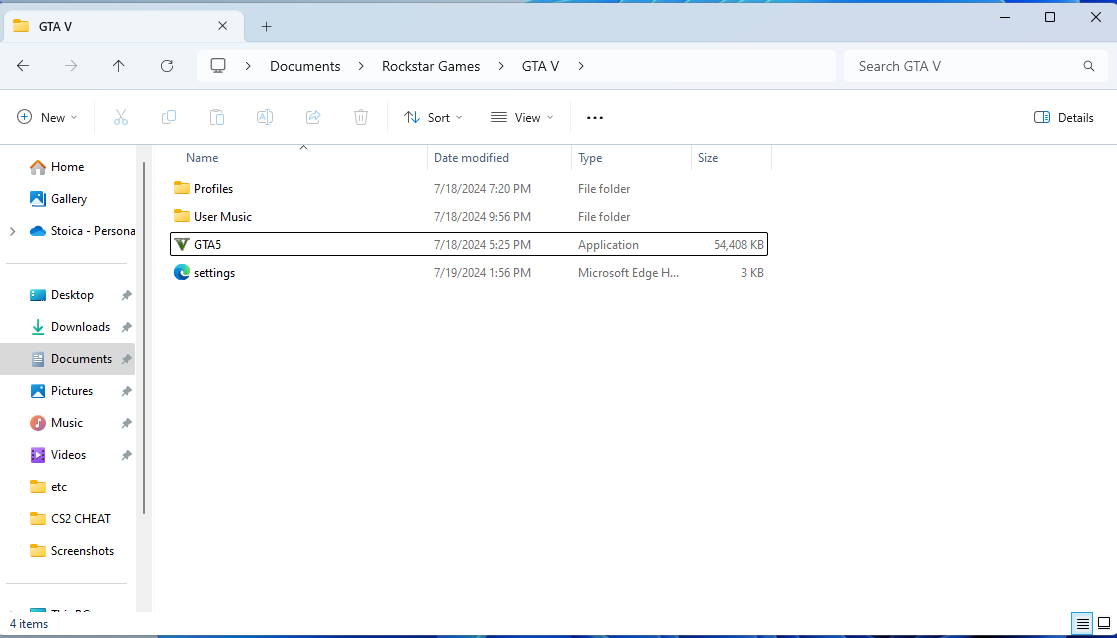
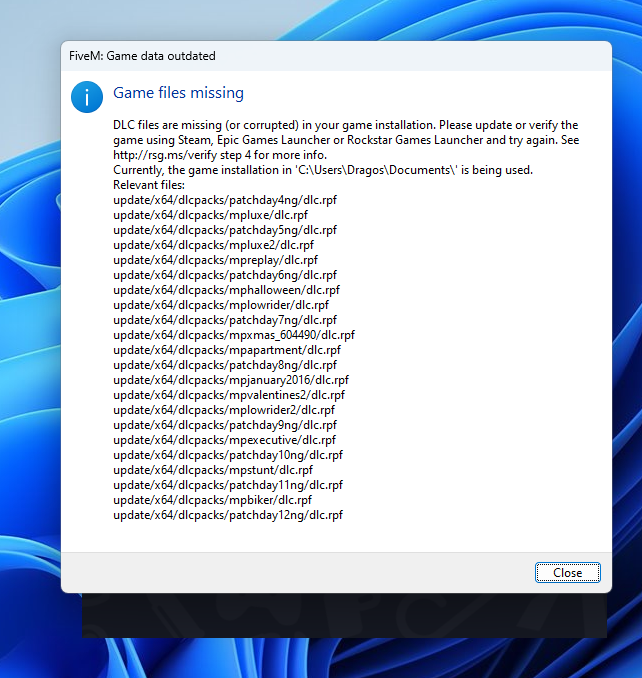
Looks like you put a GTA5.exe in your Documents to pass the ‘Select your GTA5.exe’ dialog. However it wants you to select your GTA5 installation folder.
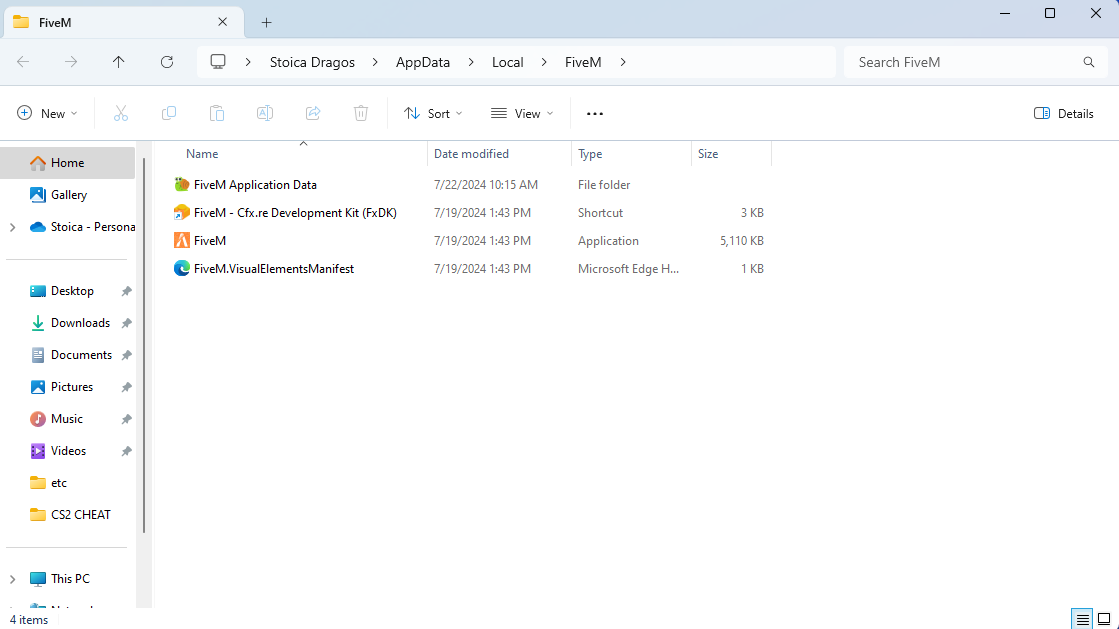
Remove CitizenFX.ini from your ‘FiveM Application Data’ or reinstall FiveM as the user above said, and then select your actual GTA5 folder found in Program Files.