Debug Game Zones
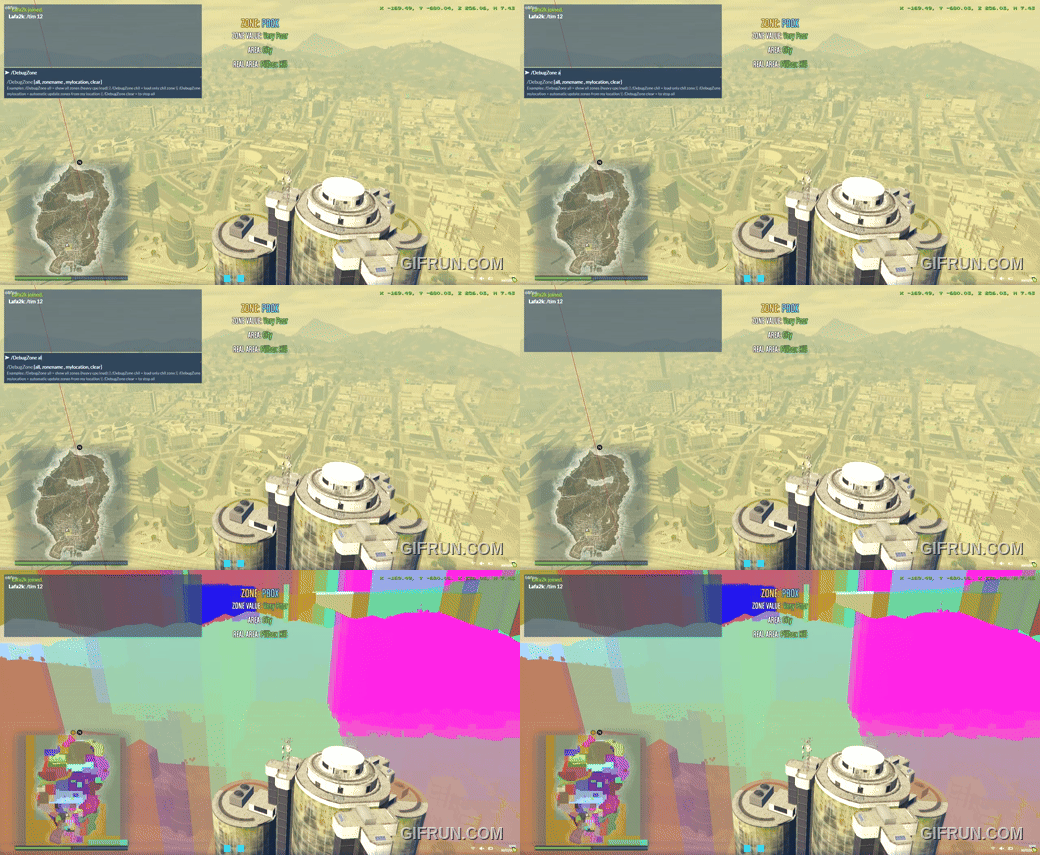
Description
 for _Pessoa help to code this.
Debug Game Zones is a FiveM resource that visually displays GTA V game zones using 3D world boxes and minimap blips.
It gives server developers a clear view of each neighborhood’s boundaries, making it much easier to attach gameplay logic to specific areas. In addition to zone limits, it can also help visualize metadata such as police service quality and land value level.
This is especially useful for survival and PvP servers, where optimized area-based checks can be used for loot systems, spawn rules, region balancing, and other location-driven mechanics.
It can be useful for:
- debugging zone names
- checking area boundaries
- testing scripts that depend on zone detection
Fun Fact
The neighborhood quality, or SCUMING LEVEL, determines vehicle spawn conditions, such as dirt levels. It also affects the crime response time; in lower-income areas, the police TEND to take longer to arrive.
Technical Note
The native SetBackfaceculling(false) allows boxes and other drawn visual shapes to be rendered from both sides. A rect or face that would normally be visible from only one side becomes visible from both, which is why you can still see the box while standing inside it.
Note: custom minimaps may cause issues when displaying blips on the pause menu (Esc) map.
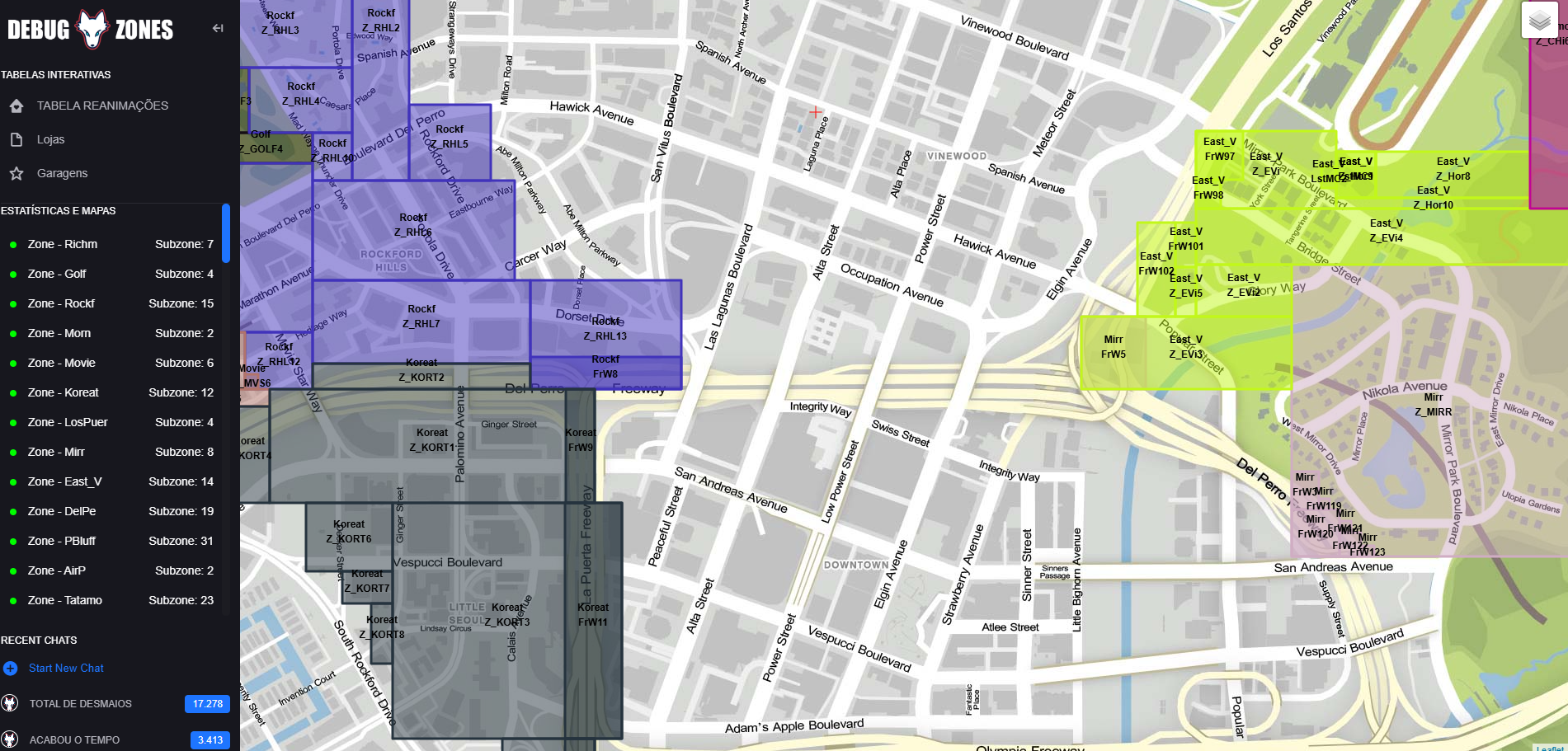
Live Web Preview
Click the image below to open the interactive zone preview without run the game (github page):
Video Preview
Click the image below to watch the video:
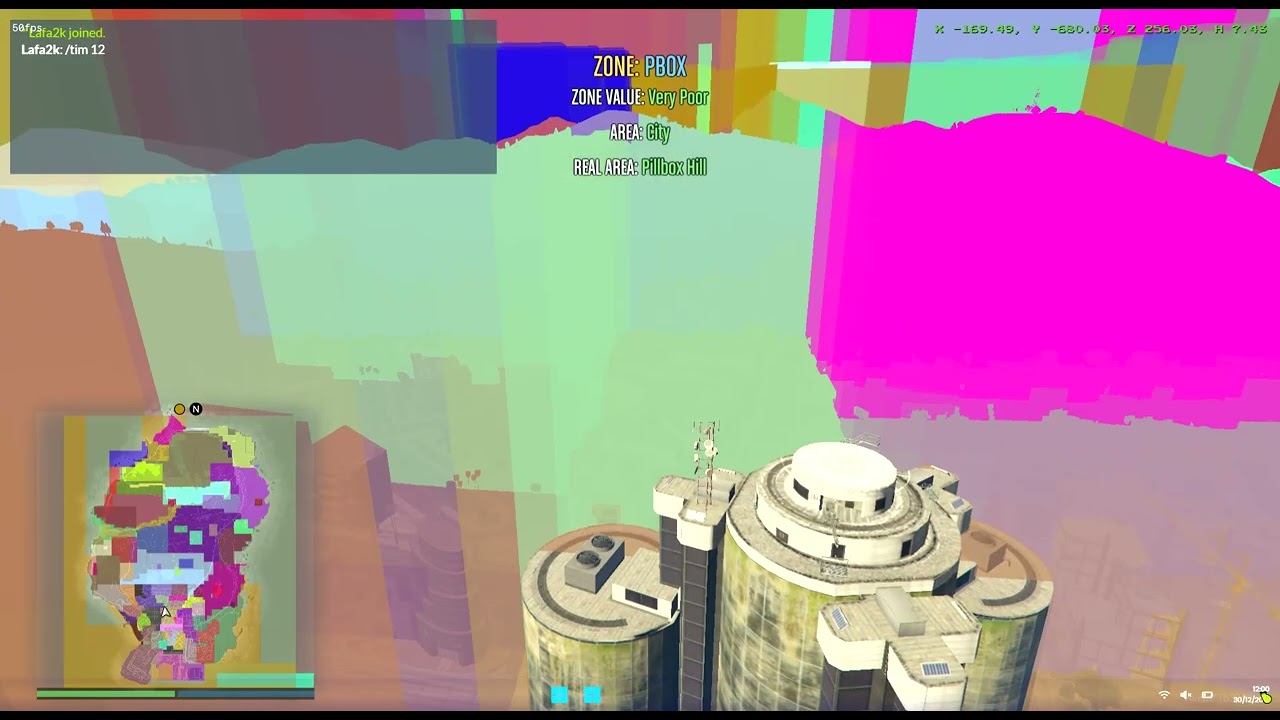
Did you like the AUTO TURRET at the beginning of the video? I'll find it and share it later. It also sets things on fire and shoots bombs ;P you choose!
 DOWNLOAD
Installation
- Copy
DebugZoneto yourresourcesfolder - Add this line to your
server.cfg:
ensure DebugZone

## USE IN GAME

/DebugZone all = show all zones
/DebugZone clear = remove all zones
/DebugZone mylocation = automatic update zones from my location
/DebugZone namezone = show zone by name. example: /DebugZone pbox = show pillbox zone:(use mylocation to get zonename or inside of client.lua table = areaNames have zone names too)